Selling 3D prints can be a real income stream, but the printer is the cheapest part of the equation. Across the machines I run, the actual cost of a finished part is roughly 60% time, 25% failed prints and post-processing, and only about 15% filament and electricity. Treat it like a small manufacturing shop, price for the hours, and a desktop FDM machine pays for itself; treat it like a side hobby that occasionally sells a keychain and it never will.
I print functional parts for a living workshop — hydroponic reservoir lids, sensor mounts, welding fixtures, leather edge slickers — far more than display models, and I have run most of the machines that matter side by side for years. This guide is the business view from that bench: what it really costs to make a print, what sells, where to sell it, which printer survives production hours, and the legal and photography work most influencer videos skip. Every link below goes to a deeper guide in this cluster.
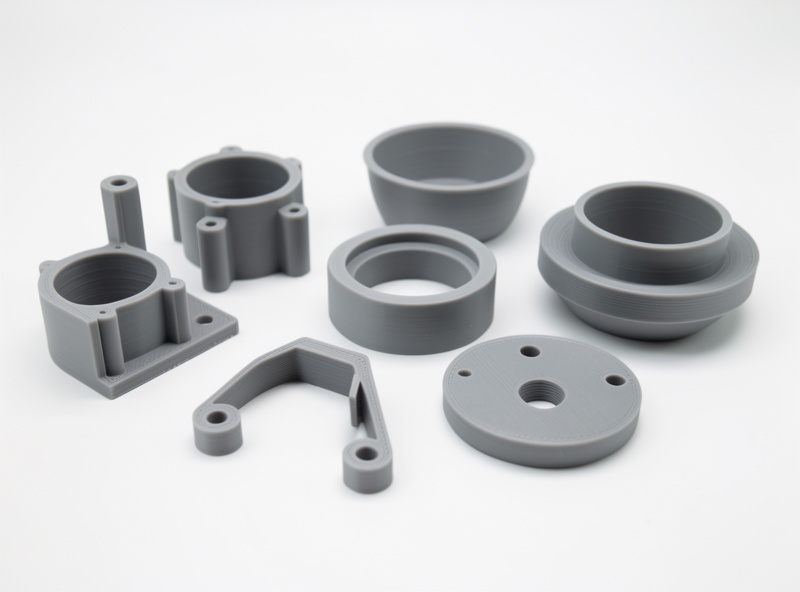
Can You Actually Make Money Selling 3D Prints?
Yes, but only if you price for labour, not filament. A 40-gram print costs maybe $0.80 in PLA and a few cents of electricity, so a beginner sees $0.85 of cost and lists it at $6 feeling like a genius. Then they spend 25 minutes removing supports, sanding, packing, photographing and answering messages, and discover they earned roughly Swedish minimum wage minus the printer. The machines that win at this are the reliable ones, because a failed print at hour nine is the single most expensive event in the whole process.
The honest framing is that 3D printing is a small-batch manufacturing business with an unusually low entry cost and an unusually high time cost. The margin is real on the right products — functional parts, niche items nobody else stocks, customised one-offs — and thin to negative on commodity figurines that ten thousand other sellers already undercut. Knowing which side of that line a product sits on is the whole skill, and it starts with the math. My full breakdown lives in the guide to pricing 3D prints.
The True Cost of a Print (the Number Beginners Skip)
The cost of a sellable print is the sum of five things, and four of them have nothing to do with filament. Material is the obvious one: a 1 kg spool at $20 is $0.02 per gram, so a 40-gram part is $0.80. Electricity on a 200 W-average FDM machine running four hours is well under $0.20 at most European rates. Those two are trivial. The expensive three are machine depreciation and maintenance, the failure rate, and your time.
Failure rate is the quiet killer. Even a dialled-in printer throws the occasional spaghetti fail, a clog, or a part that warps off the bed on hour three. If one print in twelve fails on a multi-hour job, every successful part has to carry a share of the wasted filament, electricity and printer-hours of its dead siblings. On the machines I run, a well-tuned Prusa MK4S or enclosed Bambu sits low single digits on failure rate; a poorly maintained bargain printer can run 15–20% on demanding geometry, which quietly doubles your real per-part cost.
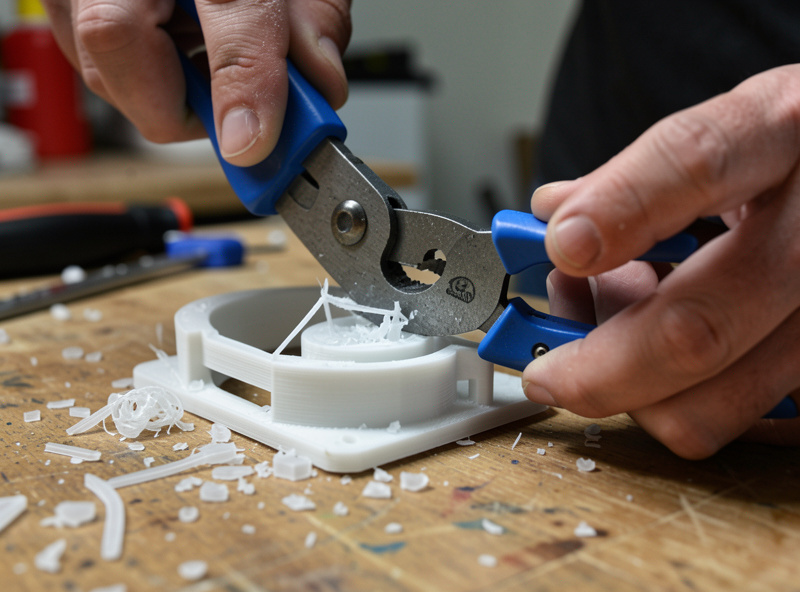
Time is the line item that turns a hobby into a wage. Slicing, bed prep, support removal, sanding, priming, packing and customer messages are all unpaid unless you build them into the price. I log post-processing minutes per part the same way I log print time, because a model that prints in two hands-off hours but needs twenty minutes of support cleanup is far more expensive than one that prints in five hours and pops off the bed finished. Designing parts that need no supports is a margin decision, not just an aesthetic one — that is why I lean on functional design and print orientation thinking on anything I sell in volume.
What Sells — and What Quietly Loses Money
The products that hold margin share three traits: they solve a specific problem, they are hard to find elsewhere, and they are cheap to ship. Functional and niche parts win — cable management, tool organisers, planter inserts, RC and hobby brackets, ergonomic aids, replacement knobs and clips for discontinued products. Display models can sell, but the figurine market is a race to the bottom against sellers running twenty printers and pricing at filament cost. I steer people toward the functional end because that is where a single reliable printer beats a print farm of undercutters. The full shortlist, with the categories I would actually start with, is in best things to 3D print and sell.
Shipping economics matter more than beginners expect. A large hollow display piece is cheap to print but expensive and fragile to post; a small, dense functional part ships in a padded envelope for pennies. When I model something for sale I think about the box it goes in before I think about the infill. A product that fits a flat-rate envelope and survives a drop test without foam is worth more to a small seller than a showpiece that needs a custom carton.
Where to Sell: Marketplaces, Local, and Your Own Store
There is no single best channel; there is the channel that fits your product and your tolerance for fees. Etsy gives you instant buyer traffic and search demand but takes a cut and buries you unless your listings are optimised. Local Facebook groups, markets and maker fairs cost nothing in fees and let buyers see quality in person, which suits bulky or made-to-order work. Your own storefront keeps all the margin but you have to drive every visitor yourself. Most sellers I would advise start on a marketplace to learn what sells, then diversify once a product proves itself.
| Channel | Fees | Built-in traffic | Best for | Main downside |
|---|---|---|---|---|
| Etsy | Listing + ~6.5% transaction + payment | High (search demand) | Niche functional and personalised items | Saturated categories, must optimise SEO |
| Local markets / fairs | Stall fee only | Foot traffic | Bulky, tactile, made-to-order work | Time-intensive, weather and seasonality |
| Facebook / community groups | None | Low to medium | Repair parts, local custom work | No buyer protection, manual everything |
| Own store (Shopify/Woo) | Platform + payment only | None (you drive it) | Established brands with repeat buyers | You pay for all traffic and trust |
| Print-on-demand services | Service margin | Platform-dependent | Designers who do not want to run machines | Lowest per-unit margin |
If Etsy is your entry point — and for most makers it should be — the listing work is where sellers win or lose. The platform rewards relevant titles, complete tags and listings that convert, and it punishes thin descriptions and generic photos. I break the whole approach down in Etsy SEO for 3D print sellers, because the best product with a buried listing earns nothing.
Choosing a Printer That Survives Production
The printer for a business is not the cheapest printer; it is the one with the lowest cost of ownership over thousands of hours. That means reliability, easy maintenance, available spare parts and a slicer profile you can trust. A $200 machine that needs constant babysitting and fails one print in six is more expensive per finished part than a $700 machine that just runs. This is the total-cost-of-ownership argument I make constantly, and it is the single most important decision a new seller gets wrong.
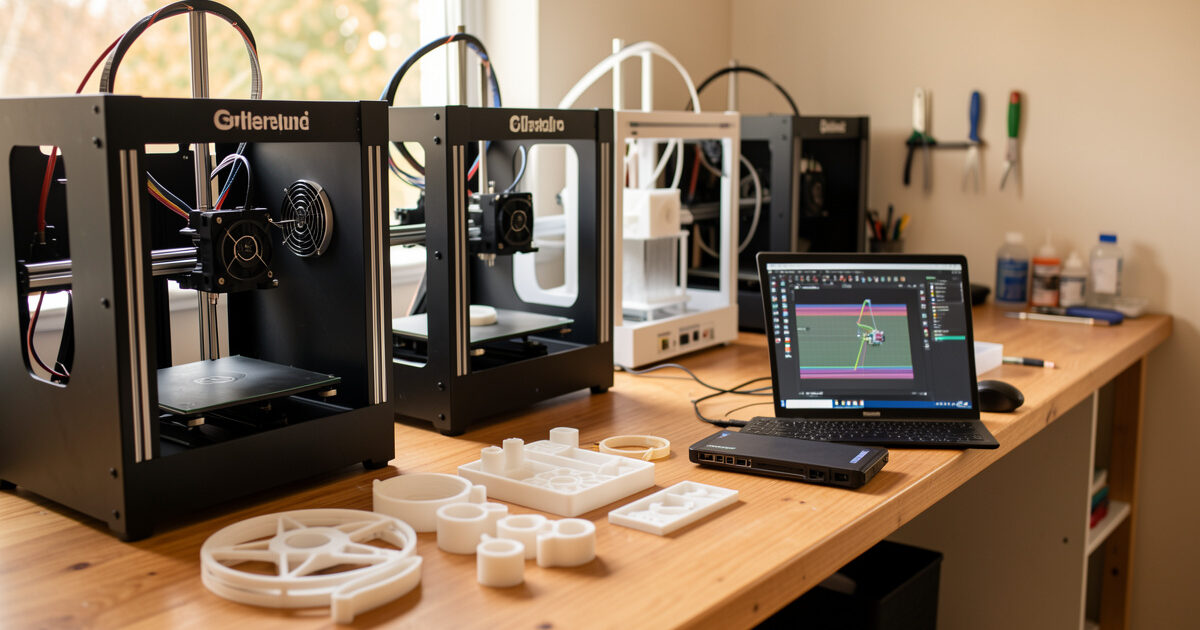
The bench I judge everything against is my kit-built Prusa MK4S — it is the reliability benchmark, the machine I measure failure rates and uptime by. Alongside it I run the Bambu A1 and P1S for speed and hands-off multi-part runs, the Creality K1C, and the Anycubic Kobra 3. Here is how I think about them specifically for selling, not for a spec sheet.
| Printer | Production reliability | Hands-off? | Enclosed? | Best business use |
|---|---|---|---|---|
| Prusa MK4S | Excellent (my benchmark) | Good | No (add enclosure) | Workhorse for mixed functional work |
| Bambu P1S | Excellent | Excellent (AMS) | Yes | Speed, ABS/ASA, multi-colour batches |
| Bambu A1 | Very good | Excellent (AMS lite) | No | Fast PLA/PETG, low-cost second unit |
| Creality K1C | Good | Good | Yes | Enclosed speed on a budget |
| Anycubic Kobra 3 | Good | Good (ACE Pro) | No | Entry multi-colour, hobby-scale runs |
Whichever you pick, a printer that earns its keep needs maintenance discipline — nozzles, belts, lubrication and a clean bed are not optional once a machine runs production hours. I keep a maintenance log per machine; the full routine is in my 3D printer maintenance guide. If you are still choosing a first machine, start with the best printers of 2026 and read it through the reliability lens, not the headline speed numbers.
Scaling Up: From One Printer to a Small Print Farm
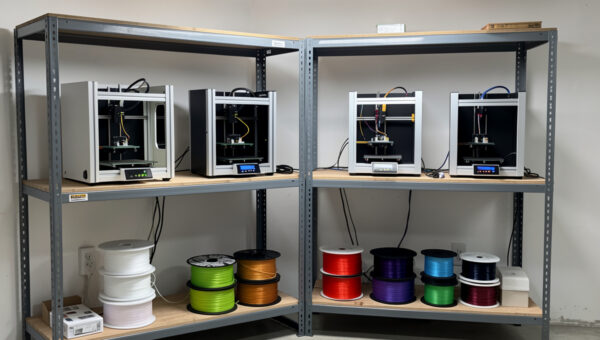
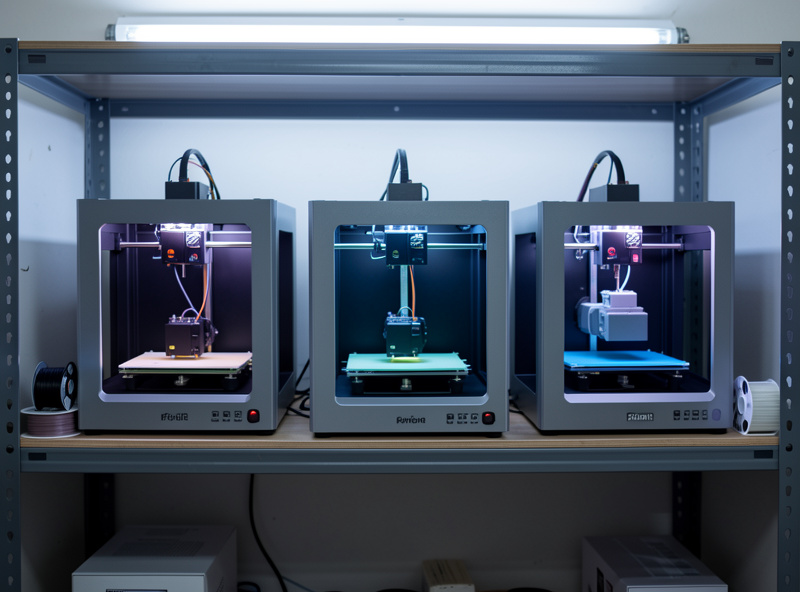
One reliable printer can serve a profitable side business. The moment demand outruns a single bed, the question becomes whether to scale — and scaling 3D printing is its own discipline, not just buying more machines. A print farm is a power, ventilation, noise, filament-logistics and failure-monitoring problem long before it is a marketing problem. I walk through the realistic version — electrical load, bench layout, remote monitoring, and when a second machine actually pays off — in setting up a small print farm.
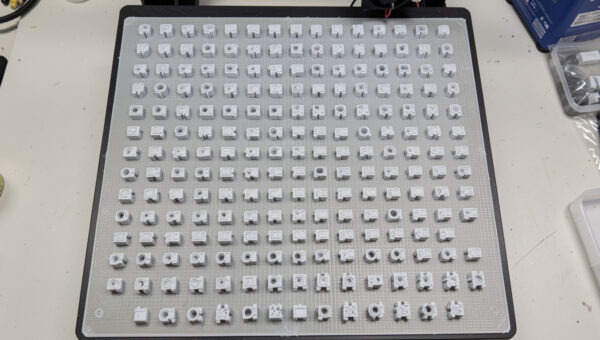
The companion skill is production efficiency on the machines you already own. Plating multiple parts per bed, choosing the right material for unattended overnight runs, and standardising profiles so any machine can run any job is where real throughput comes from. That workflow — the difference between printing one part at a time and running a true production queue — is covered in batch production with 3D printers. Get batch efficiency right on one printer before you ever buy a second.
The Legal Part: Licensing the Models You Sell
This is the section new sellers skip and later regret. Printing and selling a model someone else designed is governed by that model’s licence, and a large share of popular files are released under non-commercial Creative Commons terms that explicitly forbid selling the printed result. Selling a print of a non-commercial or trademarked design is not a grey area — it is the fastest way to get a shop shut down. You need to either design your own models, buy a commercial licence, or use files released under terms that permit commercial sale.
The rules are not complicated once you learn to read them, but they are easy to get wrong, and “everyone on Etsy is doing it” is not a defence. I cover how to read Creative Commons variants, where commercial-use marketplaces and merchant licences fit, and the trademark trap around fan art and branded characters in commercial licensing for 3D models. Read it before you list anything you did not design yourself.
Photography and Listings Sell the Print, Not the Filament
Two sellers can print the identical part on the identical machine, and the one with clean, well-lit photos sells three times as many. Buyers cannot hold your print, so the photograph is the product as far as the purchase decision goes. A grey PLA part on a cluttered desk under a yellow ceiling light reads as amateur; the same part on a clean backdrop with soft directional light reads as a finished good. This is the cheapest, highest-leverage improvement most 3D-print shops can make, and it costs nothing but a window and a piece of paper to start.
Surface finish photographs honestly, so it pays to put the post-processing in before the camera comes out — a quick pass of sanding, priming or a coat of paint turns a layer-lined print into something that looks moulded. I lean on my post-processing workflow for anything photographed for sale. The lighting, backdrop and staging side — the part that actually moves conversion — is in photographing 3D prints for selling.
Materials and Finish: The Quality Floor for Sellable Work
The material you choose is a business decision because it sets durability, print reliability and finish ceiling all at once. For most functional sales PLA and PETG cover the field: PLA for indoor, dimensionally precise, cheap parts and PETG for anything that needs toughness or mild heat and UV tolerance. ABS and ASA come out for outdoor or under-bonnet parts but demand an enclosure and ventilation. Buying decent filament matters more than buying exotic filament — consistent diameter and dryness prevent the print failures that wreck your margin. My ranked picks are in best filament brands, and the unusual materials are covered in the specialty filament guide.
Functional parts also need to actually function, which is where a lot of cheap sellers fall down. A bracket that cracks, a clip that does not snap home, a mount that does not fit the thing it mounts to — those generate refunds and bad reviews that cost far more than the print. I prototype fit on anything I sell repeatedly; the same discipline that gives me a working smart-home mount is what keeps a product from becoming a return. As an Amazon Associate I earn from qualifying purchases. If you are stocking up to sell, a reliable workhorse filament and a sealed filament dry box are the two purchases that protect your failure rate the most; a quality PETG spool is where I start for durable functional sales.
A Realistic First 90 Days
If I were starting a 3D-print business from one machine, the order of operations would be: pick one reliable printer and learn its failure modes cold; choose two or three functional products you can design or licence cleanly; nail the pricing math so every sale clears real profit; photograph them properly; and list on one marketplace with optimised titles and tags. Only after a product proves it sells would I think about a second printer or batch production. The makers who fail do it in reverse — they buy three cheap printers, mass-print someone else’s non-commercial figurine, and price at filament cost. The whole network of guides below exists so you do not have to learn each of those lessons the expensive way.
Frequently Asked Questions
Is selling 3D prints actually profitable?
It can be, but only when you price for labour and failures, not just filament. Filament and electricity are often under 15 percent of the true cost of a finished part; time, post-processing and failed prints are the rest. Functional and niche items hold margin far better than commodity figurines.
What is the best 3D printer for a small business?
The most reliable one, not the cheapest. Lowest cost of ownership over thousands of hours wins. A dependable machine like the Prusa MK4S or an enclosed Bambu P1S costs less per finished part than a bargain printer that fails one print in six and needs constant babysitting.
Do I need a licence to sell 3D prints I downloaded?
Often yes. Many popular files are released under non-commercial licences that forbid selling the printed result, and branded characters add trademark problems. You must design your own models, buy a commercial licence, or use files explicitly cleared for commercial sale before listing anything.
How much should I charge for a 3D print?
Add material, electricity, machine depreciation, your failure rate and your time, then apply a margin. A useful starting point is material cost plus a per-hour machine-and-labour rate, never filament cost times a small multiple, which leaves you working for nothing.
Should I sell on Etsy or my own website?
Most makers should start on Etsy to access existing buyer demand and learn what sells, then add their own store once a product proves itself. Etsy charges fees but brings traffic; your own store keeps all the margin but you must drive every visitor yourself.
How many printers do I need to start?
One reliable printer is enough to run a profitable side business. Scale to a second machine or a print farm only after a product consistently sells and a single bed cannot keep up with demand. Master batch production on one printer first.
Related Guides
- How to Price 3D Prints — the full cost-and-margin math.
- Best Things to 3D Print and Sell — products that actually hold margin.
- Etsy SEO for 3D Print Sellers — getting your listings found.
- Setting Up a Small Print Farm — scaling past one machine.
- Commercial Licensing for 3D Models — sell legally.
- Batch Production with 3D Printers — throughput on one printer.
- Photographing 3D Prints for Selling — the photos that convert.