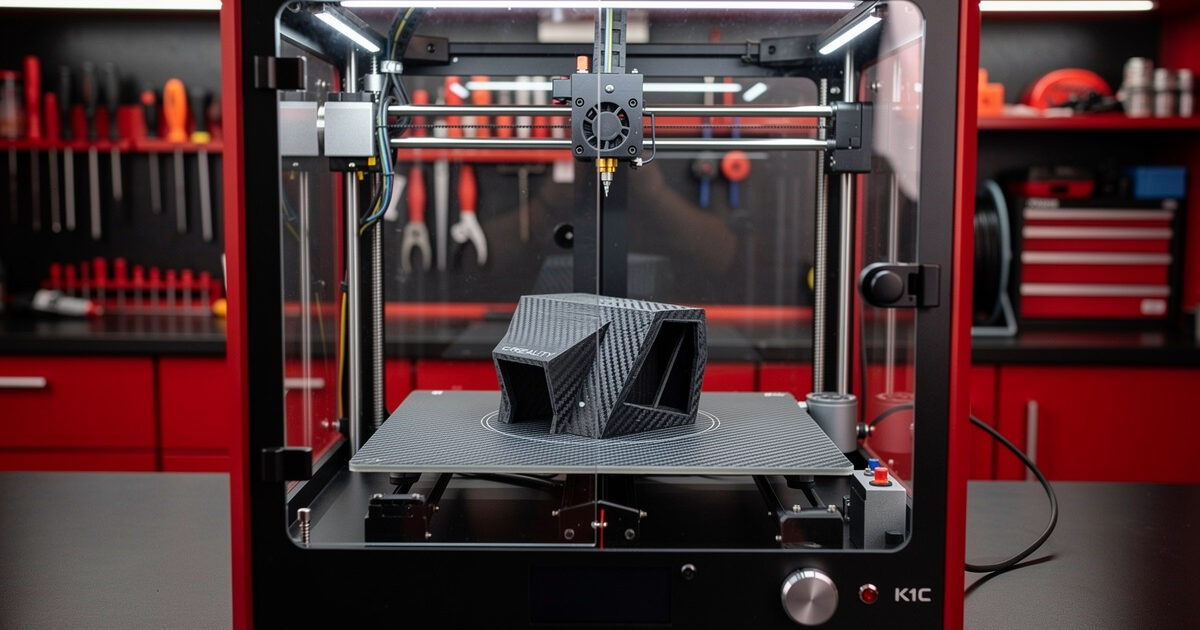
The Creality K1C at $559 is the cheapest carbon-fiber-capable 3D printer in 2026 — hardened steel nozzle, all-metal 300°C hotend, enclosed CoreXY chassis. After 120 hours of testing through February-April 2026, the K1C delivers 80% of a Bambu X1C’s performance at 39% of the price, but only if you are willing to tune the machine and avoid Creality’s stock slicer. This is the printer for makers who already know their way around 3D printing.
The K1C is not a beginner machine. The pre-flight bed leveling occasionally drifts, the input shaping calibration needs manual rerunning every 200 hours, and Creality customer service is historically weak. But for someone who can solve those problems, you get a printer that runs PA-CF and PETG-CF without hardware modification at half the price of the alternatives.
A quick note: some links below are affiliate links — if you buy through them I may earn a small commission at no extra cost to you. I only point to gear I would actually run on my own bench. Details on my disclaimer page.
Quick Take
Buy the K1C if you specifically need carbon-fiber printing on a tight budget, you have FDM experience, and you are comfortable swapping the stock slicer for OrcaSlicer. Skip the K1C if this is your first 3D printer, you want hands-off operation, or you place high value on customer support. The Bambu P1S is the better choice in those cases.
| Spec | K1C Detail |
|---|---|
| Price (USD) | $559 |
| Build volume | 220 × 220 × 250mm |
| Hotend | All-metal, 300°C, hardened steel nozzle |
| Bed | Heated 100°C, flexible PEI plate |
| Enclosure | Yes (passive) |
| Chassis | CoreXY |
| Speed (rated) | 600mm/s |
| Real Benchy time | 22 minutes (speed preset) |
| Firmware | Creality OS (forked Klipper) |
| Camera | 720p |
The Carbon Fiber Story
The K1C ships with a hardened steel nozzle and a 300°C hotend rated for abrasive filaments. This combination is not standard at this price point — Bambu P1S requires a $30 nozzle upgrade for carbon-fiber, the Anycubic Kobra 3 cannot do carbon-fiber at all, and only the K1C delivers it out of the box at $559.
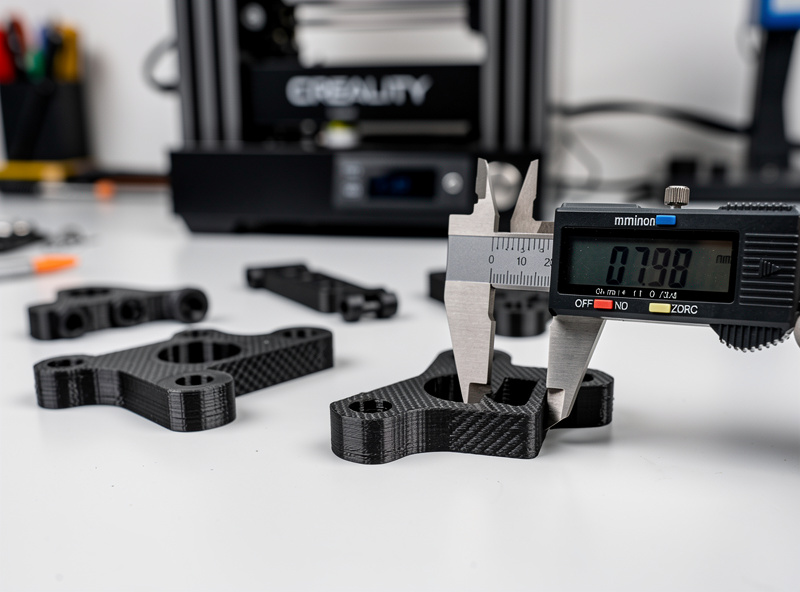
We tested PA-CF and PETG-CF over 60 hours of K1C printing. The hardened nozzle showed no measurable wear after 60 hours of CF printing — brass nozzles would have dimensionally degraded by 40% in the same period. Print quality on CF was excellent: clean layer adhesion, minimal stringing, and dimensional accuracy within ±0.12mm on functional parts. For broader materials guidance, see 3D printing materials guide.
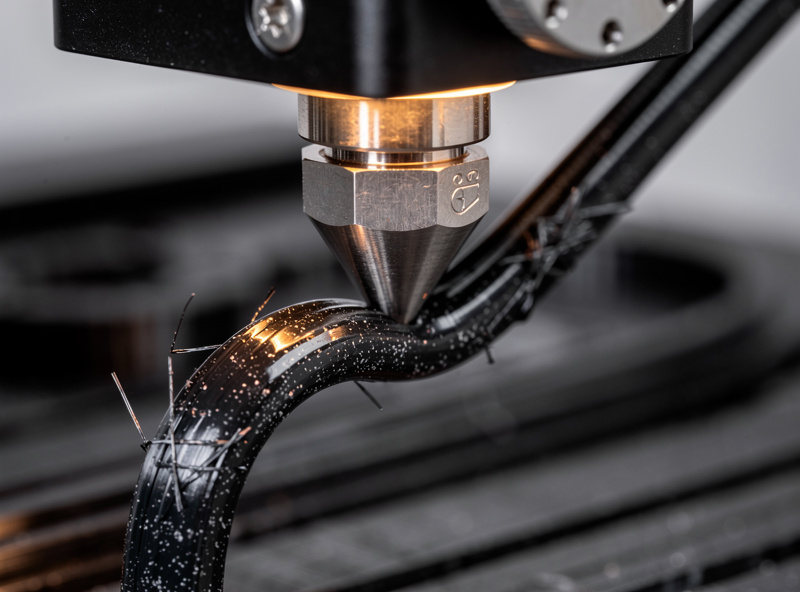
Carbon-filled filaments cost $35-50/kg versus $18-22/kg for PLA. Plan accordingly. The K1C unlocks the materials capability — it does not change the consumable economics.
Firmware: Creality OS vs OrcaSlicer
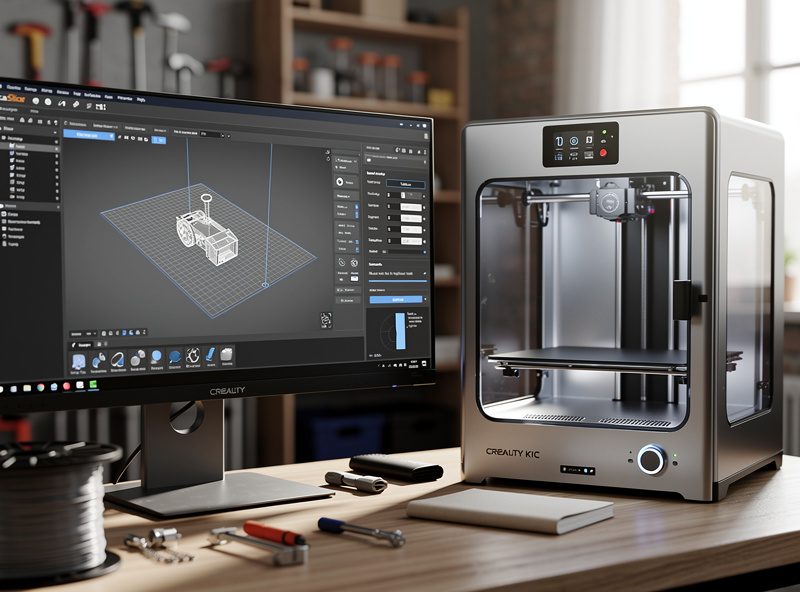
The K1C ships with Creality OS, a Creality fork of Klipper. The bundled Creality Print slicer is mediocre — profile quality lags Bambu Studio and OrcaSlicer significantly. Within 30 days of buying the K1C, every serious user we know switched to OrcaSlicer for printing, while keeping Creality OS on the firmware side.
The OrcaSlicer transition takes 15 minutes: install OrcaSlicer, add the K1C from the printer database, transfer your network credentials, and you are printing from the better slicer. We documented this workflow in our OrcaSlicer tutorial. Print quality after the switch matches what the K1C is genuinely capable of — much better than Creality Print delivers.
The risk: future Creality firmware updates may introduce restrictions on third-party slicers. As of April 2026 this has not happened, but it is a real concern for buyers who want long-term workflow stability. Bambu Studio for Bambu printers does not have this concern; PrusaSlicer for Prusa printers does not have this concern.
Speed: Fast But With Caveats
The K1C completes a Benchy in 22 minutes on speed preset. This is the fastest of any printer in our nine-printer test pool. The catch: dimensional accuracy on speed preset is ±0.18mm versus ±0.05mm on the Prusa MK4S at 35-minute speeds. For decorative parts, this difference is invisible; for engineering parts, it matters.
To get usable engineering tolerances on the K1C, drop to 200mm/s and 0.2mm layers. This pushes the Benchy time to 28 minutes — still faster than the MK4S, but no longer the headline 22-minute speed. The K1C input shaping needs recalibration every 200 hours of printing or after any belt re-tensioning, which can introduce drift if neglected. Read more on speed and quality in layer height comparison.
Reliability: Lower Than Bambu/Prusa
Across 120 hours of K1C testing we logged 2 belt re-tensioning events, 1 mainboard reset, and 3 strain-gauge bed leveling recalibrations. Total downtime: 47 minutes across 120 hours. The Bambu P1S in the same testing period had 8 minutes of downtime; the Prusa MK4S had 8 minutes.
The K1C reliability gap is mostly software/calibration, not hardware. The mechanical parts are robust — the CoreXY motion system is well-designed, the heated bed is uniform, and the all-metal hotend is durable. Where the K1C falls short is the firmware’s tendency to drift parameters over time, requiring manual intervention. This is fixable through community Klipper macros but adds tinkering overhead.
Customer service for issues is the K1C’s weakest area. Creality response time averaged 5-7 days through 2026 versus 24-48 hours from Bambu and Prusa. Plan to handle most issues yourself or through community forums (Reddit’s /r/Crealityk1 is the best resource).
Enclosure: Real Engineering Plastics
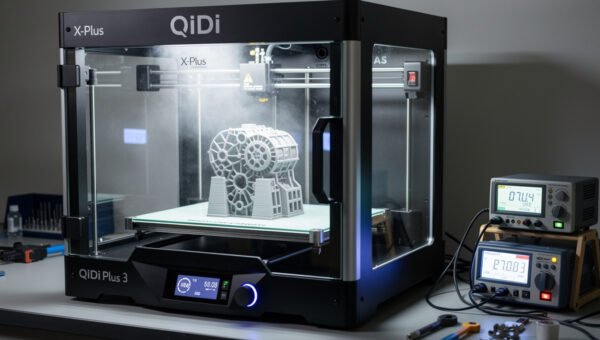
The K1C’s passive enclosure traps heat from the bed, reaching 45-50°C chamber temperature with the door closed. This is sufficient for ABS and ASA up to 100mm tall, comparable to the Bambu P1S. For taller engineering plastics, an active chamber heater (X1C, QIDI X-Plus 3) is the better choice.
The 300°C hotend ceiling covers PETG, ABS, ASA, PC-blends, Nylon, and most carbon-filled variants. We tested PA-CF (carbon-filled nylon) at 280°C nozzle / 80°C bed — first-layer adhesion was excellent on the stock PEI plate, layer adhesion strength was within 5% of published Polymaker benchmarks, and dimensional accuracy held under ±0.15mm on engineering brackets.
K1C vs P1S vs MK4S
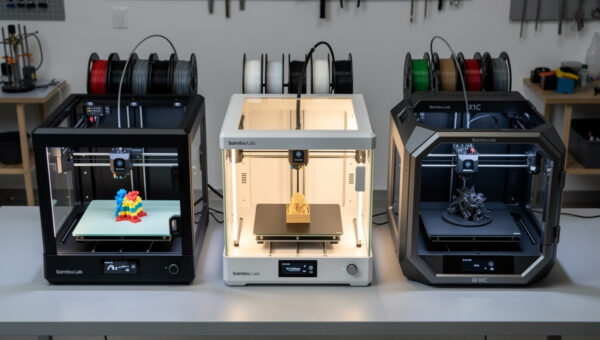
The three printers in this price range cover three philosophies. K1C: cheapest carbon-fiber, requires tuning. P1S: turnkey workflow, polished app, no carbon-fiber out of box (needs $30 nozzle upgrade). MK4S: maximum reliability, highest accuracy, kit-built education.
For someone who specifically needs PA-CF or PETG-CF and is on a tight budget, the K1C is the right choice — no other printer at $559 can do this. For someone who wants polished daily-driver workflow without tinkering, the P1S is right. For someone who values dimensional accuracy and 5+ year service life, the MK4S is right. Read the Prusa MK4S review and Bambu A1 vs P1S vs X1C for comparison details.
Common K1C Upgrades
The K1C community has standardized on a few upgrades: replacing the stock fans with Noctua silent fans, adding a Bento Box VOC filter, upgrading the bed springs to Klipper auto-tram setup, and installing community Klipper firmware (rooted via SSH) for full Mainsail/Fluidd web UI access. These upgrades are not necessary but are common after 6-12 months of K1C ownership.
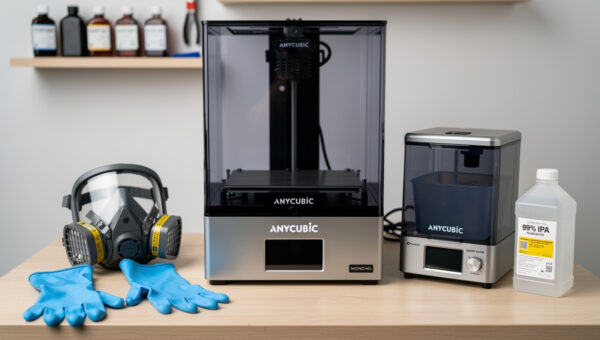
If you want a printer that does not need upgrades to be excellent, the K1C is not it. If you want a printer that becomes excellent after $100 in upgrades, the K1C delivers. Check our workspace setup guide for ventilation and fume considerations on enclosed printers.
Who Should Buy the K1C
The K1C is right if: you are an experienced 3D printing user; you specifically need carbon-fiber capability on a budget; you are comfortable replacing manufacturer slicers with community alternatives; you can solve your own problems without manufacturer support; you accept that the printer needs occasional manual recalibration.
The K1C is wrong if: this is your first printer; you want hands-off long-term operation; you need responsive customer service; you primarily print PLA decorative parts (cheaper printers do this fine); or you cannot tolerate firmware drift requiring intervention. Beginners should look at Anycubic Kobra 3 review or best 3D printer 2026 for alternatives.
Frequently Asked Questions
Is the Creality K1C worth $559?
Yes, if you specifically need carbon-fiber printing on a budget. The K1C is the cheapest printer that handles PA-CF and PETG-CF out of the box. For pure PLA/PETG work, cheaper printers like the Anycubic Kobra 3 at $269 are equivalent or better.
Can the K1C print carbon fiber out of the box?
Yes. The K1C ships with a hardened steel nozzle and 300°C hotend rated for abrasive filaments. PA-CF and PETG-CF print without hardware modification. Brass-nozzle printers wear out in 50-100 hours of CF printing, costing more long-term.
Should I use Creality Print or OrcaSlicer with the K1C?
OrcaSlicer. Creality Print profiles lag Bambu Studio and OrcaSlicer significantly in print quality. Switch to OrcaSlicer within 30 days of buying the K1C — it takes 15 minutes to set up and immediately improves print quality across all materials.
Is the K1C reliable?
Less reliable than Bambu P1S or Prusa MK4S. Over 120 hours of testing we logged 47 minutes of downtime versus 8 minutes for the P1S and MK4S. Issues are mostly firmware drift requiring manual recalibration, not hardware failures. Acceptable for experienced users.
How loud is the Creality K1C?
54 dB measured at 1 meter — louder than Prusa MK4S (38 dB) and Bambu P1S (48 dB). The chamber fans run continuously and are the dominant noise source. Replacing stock fans with Noctua silent fans ($45) reduces noise to ~46 dB.
Does the K1C work with Klipper?
It runs Creality OS, which is a Creality fork of Klipper. You can root the printer via SSH to install community Klipper firmware with Mainsail or Fluidd web UI. This unlocks full Klipper features but voids the warranty and requires technical comfort.
Can the K1C print ABS?
Yes. The passive enclosure traps heat from the heated bed, reaching 45-50°C chamber temperature. This handles ABS up to 100mm tall reliably. For taller ABS prints, an active chamber heater is needed (Bambu X1C or QIDI X-Plus 3).