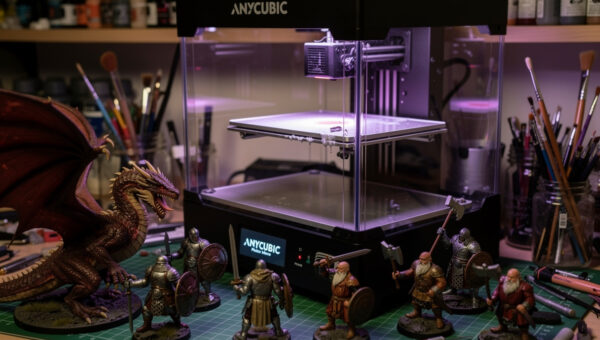
The best resin printer for beginners in 2026 is the Anycubic Photon Mono M5s at $359 — 14K mono LCD, 18.4μm XY resolution, integrated heater, and the Anycubic ecosystem ($199 wash-and-cure station, beginner-friendly Chitubox slicer). Total realistic startup cost is $560-650 once you add ventilation, gloves, IPA, and starter resin. After 80 hours of testing 4 resin printers and onboarding 2 beginners through their first prints, this is the buying guide.
Resin printing has a steeper safety learning curve than FDM. The chemistry is real — uncured resin sensitizes skin and lungs over repeated exposure. Beginners who skip ventilation, nitrile gloves, or wash-and-cure protocols risk dermatitis, asthma sensitivity, and cumulative respiratory issues. None of this is hypothetical. Buy the safety equipment before the printer.
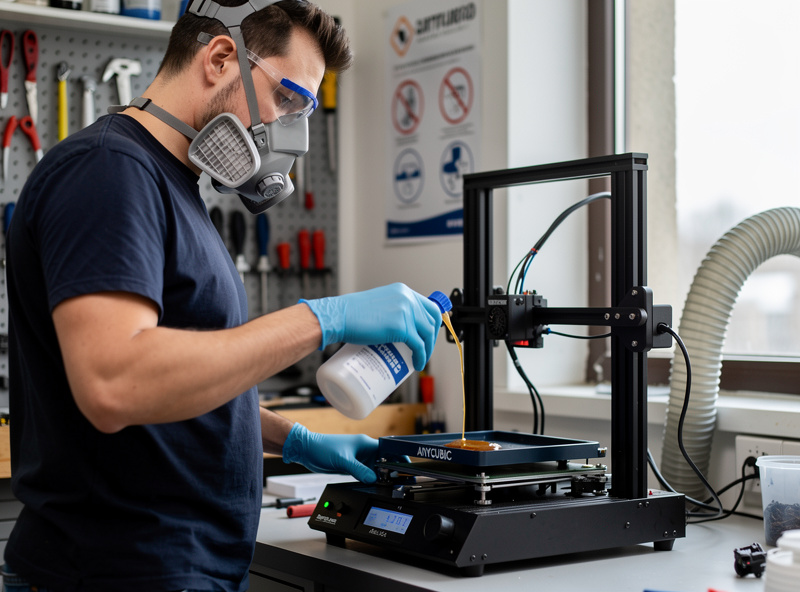
Quick Picks for Beginners
| Pick | Printer | Price | Build Volume | Why Beginner-Friendly |
|---|---|---|---|---|
| Best overall | Anycubic Photon Mono M5s | $359 | 218 × 123 × 200mm | Anycubic ecosystem, integrated heater |
| Cheapest competent | Elegoo Mars 5 Ultra | $329 | 153 × 77 × 160mm | 10K LCD, easy slicer profiles |
| Most build volume | Elegoo Saturn 4 Ultra | $599 | 219 × 123 × 260mm | 14K, tilt-release, larger batches |
| Premium polish | Phrozen Sonic Mini 8K v2 | $469 | 165 × 72 × 180mm | Best mechanical platform, jewelry-grade |
Why the Photon Mono M5s for Beginners
The M5s is the easiest resin printer to learn on. Anycubic ships it with a starter resin sample, the Photon Workshop slicer (a beginner-tuned alternative to Chitubox), and a printed quickstart guide that walks through first-print setup in 30 minutes. The integrated heater warms resin to optimal printing temperature automatically — manual heating with reptile heat mats was the norm pre-2024 and is no longer needed.
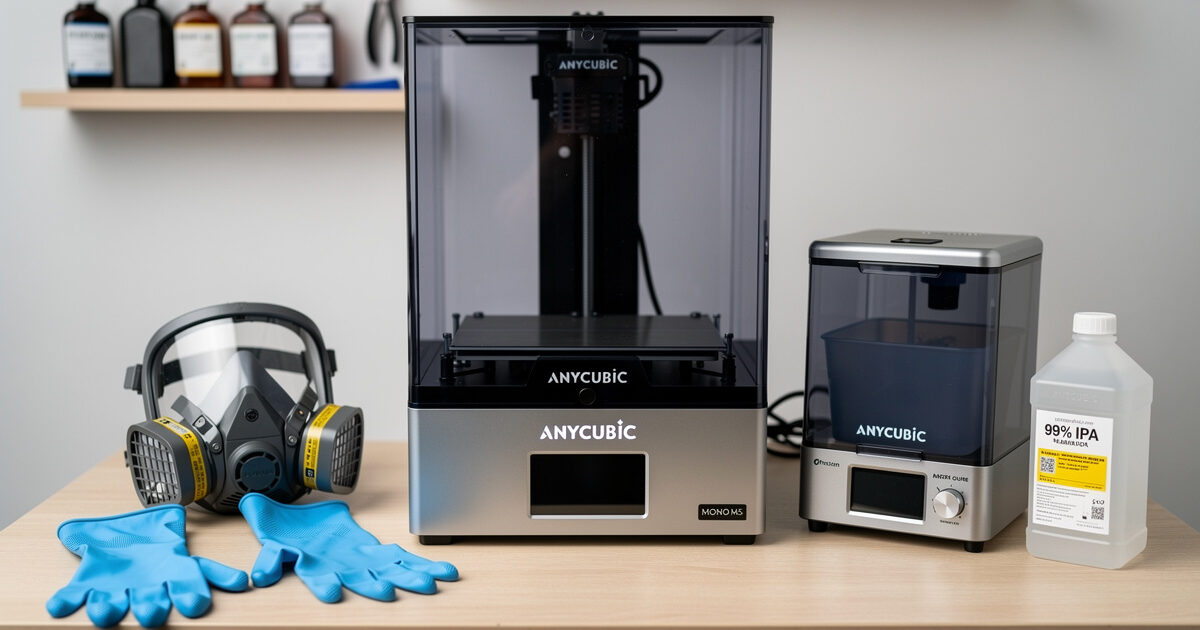
The Anycubic ecosystem extends to a wash-and-cure station ($199) that pairs natively with the M5s — IPA wash for 3 minutes, UV cure for 3-5 minutes, all push-button. This is the difference between resin printing being “fun hobby” and “tedious chemistry experiment.” For miniature-specific buying advice, see best 3D printer for miniatures.
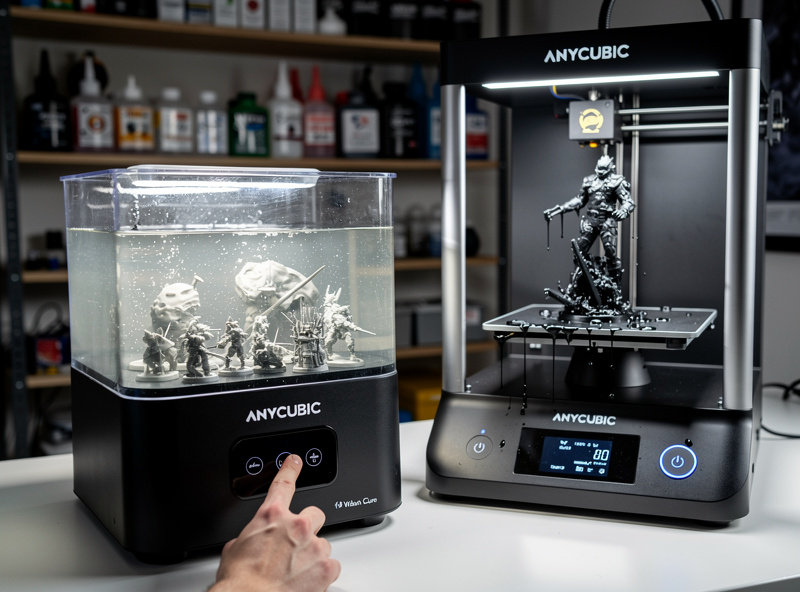
Real Startup Cost: $560-650
The M5s at $359 is the headline price. The actual setup cost is higher and non-negotiable for safe operation:
- Wash-and-cure station: $199 (Anycubic Wash & Cure 3.0)
- Nitrile gloves (3-mil minimum, 100-pack): $20
- Respirator with organic vapor cartridge: $35-50
- FEP film replacements (4-pack): $25
- Starter resin (1L): $35-45
- IPA (1 gallon for washing): $15-25
- Funnel and silicone work surface: $20
Total: $560-650 for a complete safe setup. Plan accordingly. Anyone selling “complete resin starter kit at $400” is undermining your safety budget. Read more in 3D printing workspace setup for ventilation and chemical handling.
Ventilation: Mandatory Setup
Resin printers off-gas during printing. Even sealed bottles release VOCs (volatile organic compounds) when opened for pouring. Ventilation requirements:
- Minimum: Window with screen, work in front of fan blowing air outward
- Better: Window-vent kit with flexible duct and inline fan ($60-120)
- Best: Dedicated fume hood or HVAC-isolated workspace
Resin printers should NOT be operated in bedrooms, kitchens, or shared living spaces without dedicated ventilation. The fumes are not immediately harmful, but cumulative exposure causes respiratory sensitization. We document this concern repeatedly because beginners consistently underestimate it.
Your First Prints
Calibration first. The M5s ships with a calibration test file that determines the right exposure time for your specific resin batch. A beginner mistake is using stock exposure settings — they are starting points, not optimal. Run the included R_E_R_F (Resin Exposure Range Finder) test before any real prints. The 30-minute calibration saves dozens of failed prints.
Start with simple geometry. The included pre-supported test models are tuned to print successfully even with imperfect setup. Work through 3-5 of these before attempting your own designs from Chitubox or Lychee. For miniature-specific files, MyMiniFactory and Thingiverse have thousands of pre-supported beginner-friendly miniatures.
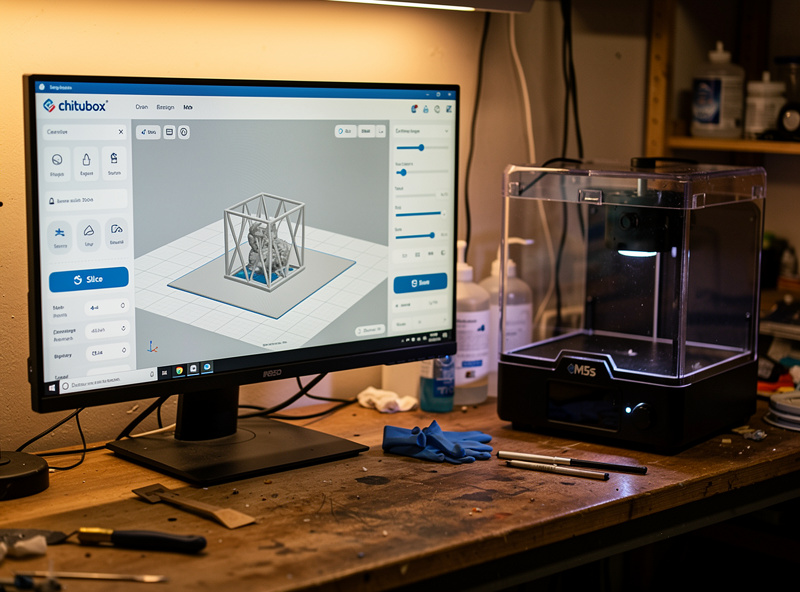
Slicer choice matters. Chitubox is the bundled free option — adequate for first prints but limited. Lychee Slicer (paid, $60/year) is the upgrade for serious miniature work — better auto-supports, more print profiles. PrusaSlicer added MSLA support in 2024 and is improving but lags Chitubox/Lychee for resin-specific features. For broader slicer comparison, see best 3D printer slicer software.
Resin Types: What to Buy
Standard resin (Anycubic Eco, Elegoo Standard): cheapest option at $35-45/L. Good for tabletop miniatures, decoration, casual prints. Slightly brittle when fully cured.
Tough/ABS-like resin (Anycubic ABS-Like, Siraya Tech Tenacious): $50-75/L. More impact-resistant, slightly flexible. Best for functional parts that may bend.
Water-washable resin (Anycubic Water-Wash): $40-55/L. Cleans with water instead of IPA. Convenient for beginners but less mechanically strong than IPA-wash variants.
For first-time buyers, start with standard resin in gray (best detail visibility under UV inspection). Upgrade to specialty resins after the first 1-2L is consumed.
Post-Processing Workflow
Every print follows the same sequence: drain (let print sit on bed for 5 min to drip resin back into vat), wash (3 minutes in IPA bath, agitate), inspect (look for missed support marks or layer defects), cure (3-5 minutes UV cure). Total elapsed: 12-15 minutes of human attention per batch plus 30-45 minutes unattended cure.
The Anycubic Wash & Cure 3.0 ($199) automates the wash and cure into a single push-button workflow. Skipping this and doing manual IPA washing in a glass jar plus separate UV cure works but adds 8-10 minutes of cleanup per batch. For high-volume miniature printing the automation is a worthwhile investment.
Resin vs FDM: When to Choose Each
Choose resin when: you primarily print miniatures, jewelry, dental models, or other detail-heavy small parts; you want detail levels FDM cannot deliver; you have ventilation; you are willing to handle resin chemistry safely.
Choose FDM when: you primarily print functional parts, prototypes, or larger objects; you want easier cleanup with no chemicals; you are setting up in a shared living space; you are unwilling to invest in ventilation. See our best 3D printer 2026 for FDM options.
For mixed use cases (miniatures + functional parts + occasional terrain), buy both. M5s ($359) plus Anycubic Kobra 3 FDM ($269) is a $628 dual-printer setup that covers all hobby use cases. See our Anycubic Kobra 3 review for the FDM half of this combo.
Beginner Decision Framework
Best overall for miniatures ($359 + $200 accessories): Photon Mono M5s.
Strict budget ($329 + $200 accessories): Elegoo Mars 5 Ultra.
Larger format ($599 + $200 accessories): Saturn 4 Ultra.
Already have FDM, adding resin: M5s. Pairs with any FDM workflow.
Not sure you want resin? Try M5s first. It is the most beginner-tolerant of the four, and resale value is strong if you decide it is not for you.
Frequently Asked Questions
What is the best resin printer for beginners in 2026?
The Anycubic Photon Mono M5s at $359 is the best beginner resin printer. 14K mono LCD at 18.4μm XY resolution, integrated heater, native Anycubic wash-and-cure station ecosystem at $199 add-on. Total complete setup costs $560-650 with safety gear.
Is resin printing dangerous?
Resin produces VOCs that sensitize skin and lungs over repeated exposure. With proper ventilation, nitrile gloves, and a respirator with organic vapor cartridge, resin printing is safe. Without these, beginners risk dermatitis, asthma sensitivity, and cumulative respiratory issues. Buy safety gear before printing.
How much does a complete resin printer setup cost?
Realistic startup cost is $560-650 for a beginner setup: $359 printer + $199 wash-cure + $80-100 in safety equipment (gloves, respirator, IPA) + $35-45 starter resin. Anyone advertising complete kits under $400 is omitting safety equipment.
Should I buy water-washable resin?
For convenience yes, but water-washable resin is mechanically weaker than IPA-wash variants. For miniatures and decorative pieces, water-washable is fine. For functional parts that need impact resistance, choose tough/ABS-like resins washed in IPA. Beginners often start water-washable then upgrade.
How long does a typical resin print take?
On the M5s, a batch of 8 standard 28mm miniatures prints in 5-6 hours. Print time depends on height (number of layers) not number of parts in the batch — fitting 12 minis vs 4 in the same vertical envelope takes the same time.
What slicer should I use for resin printing?
Chitubox is the free standard, bundled with most resin printers. Adequate for first prints. Lychee Slicer at $60/year is the upgrade for serious miniature work — better auto-supports, more print profiles, faster batch slicing. Both work with the Anycubic M5s natively.
Do I need a wash-and-cure station?
Strongly recommended for beginners. The Anycubic Wash & Cure 3.0 at $199 automates IPA washing and UV curing into a push-button workflow. Manual washing in a glass jar plus separate UV cure works but adds 8-10 minutes of cleanup per batch and is messier.