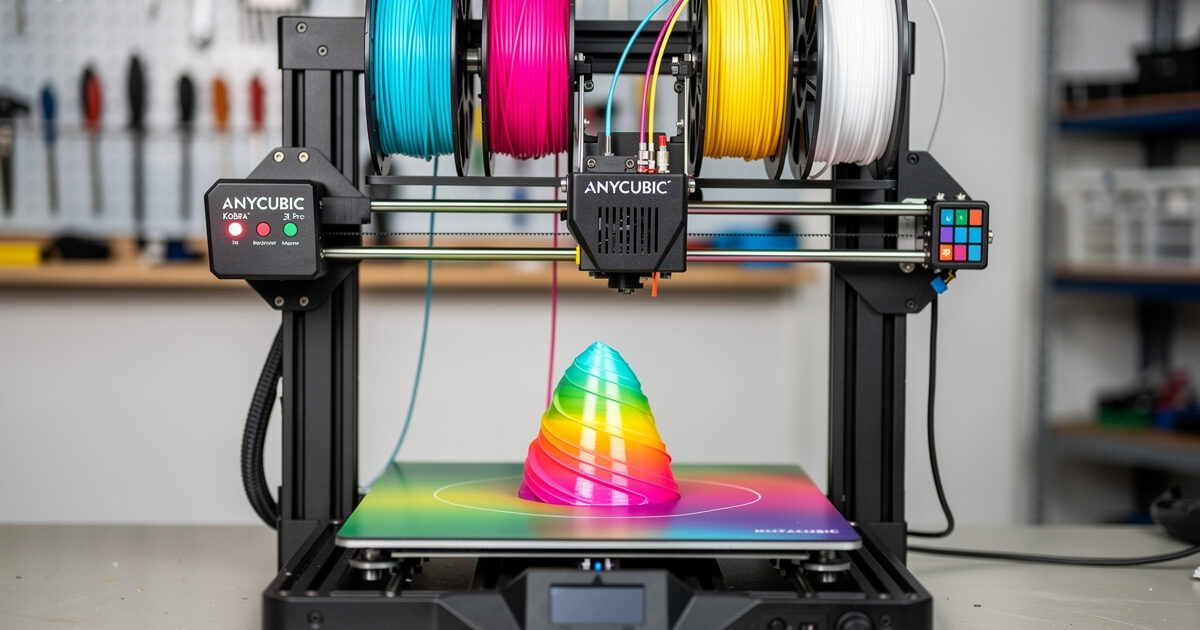
The Anycubic Kobra 3 at $269 is the best 3D printer under $300 in 2026 — 250mm³ build volume, 25-point auto bed leveling, dual-gear direct drive, and the optional ACE Pro multicolor system upgrades it to four-color printing for an additional $269. Combined ($538), it is the cheapest multicolor printer ever made. After 80 hours of testing through March-April 2026, the Kobra 3 delivers print quality that would have cost $700+ in 2024.
The Kobra 3 is the answer for buyers who want serious 3D printing capability on a tight budget. It is not the prettiest, not the fastest in absolute terms, and not the most polished. What it is: 90% of a Bambu A1 at 67% of the price, with a bigger build volume and the cheapest multicolor system on Earth.
A quick note: some links below are affiliate links — if you buy through them I may earn a small commission at no extra cost to you. I only point to gear I would genuinely recommend. Details on my disclaimer page.
Quick Take
Buy the Kobra 3 if you are budget-constrained and need PLA/PETG/TPU printing in a generous 250mm³ build volume. Buy the Kobra 3 + ACE Pro if you want to experiment with multicolor at the lowest possible price. Skip if you need ABS/ASA (open frame, no enclosure), if budget allows the Bambu P1S at $699 (better workflow polish), or if you prioritize phone-app integration (Anycubic’s app is functional but not great).
| Spec | Kobra 3 Detail |
|---|---|
| Price (USD) | $269 (single) / $538 with ACE Pro |
| Build volume | 250 × 250 × 260mm |
| Hotend | All-metal, 300°C, brass nozzle |
| Bed | Heated, 110°C, magnetic flexible PEI |
| Bed leveling | 25-point auto-level (LeviQ 3.0) |
| Speed (rated) | 500mm/s (real ~320mm/s) |
| Real Benchy time | 26 minutes |
| Enclosure | No (open frame) |
| Camera | Optional add-on |
| Multicolor | ACE Pro (4 colors, $269 add-on) |
LeviQ 3.0: Best Auto-Level at This Price
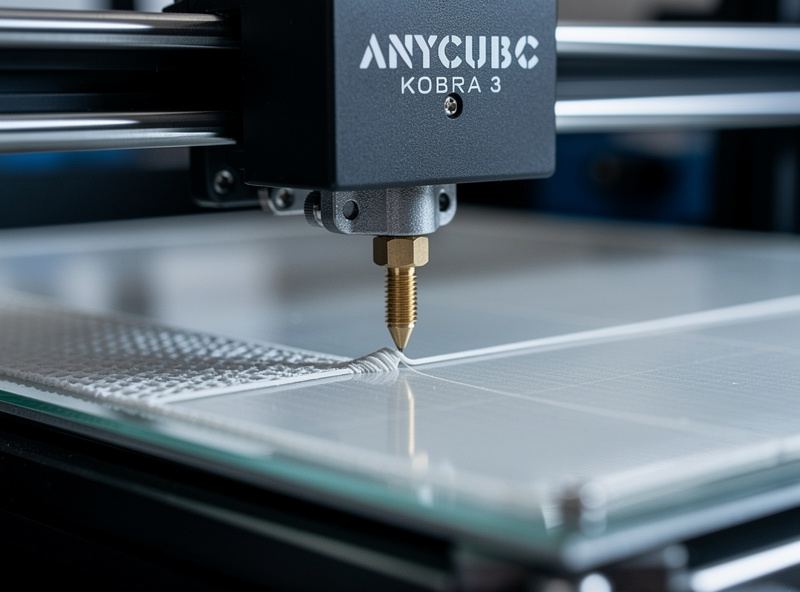
The Kobra 3’s 25-point bed leveling produces a glassy first layer with zero manual intervention required. Anycubic calls this LeviQ 3.0 and it works — across 80 print hours I never touched the leveling sequence after initial setup. Compare to the Creality Ender 3 V3 KE which also has auto-leveling but requires more frequent recalibration.
The leveling sequence runs at the start of every print, adding 90 seconds to startup time. This is a small price for reliable first layers. PEI plate releases are easy when warm; cold removal needs the included spatula. For broader workspace setup considerations, see 3D printing workspace setup.
ACE Pro: Cheapest Multicolor on Earth
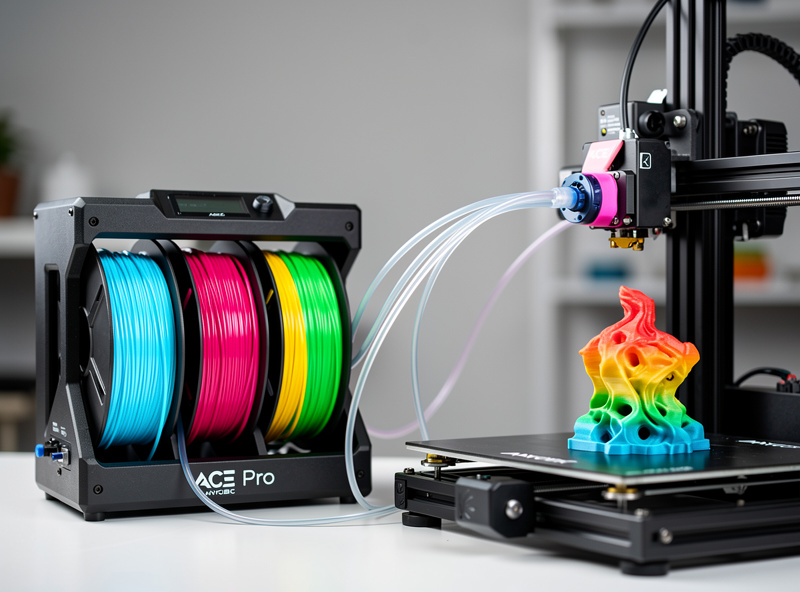
The ACE Pro multicolor system at around $269 is roughly half the price of the Bambu AMS Lite and about a third of the full Bambu AMS. For buyers willing to accept Anycubic’s slicer ecosystem, ACE Pro brings four-color printing to under $540 total system cost.
The catch: ACE Pro purges 35-40% more filament per color change than full AMS. A four-color print produces a “poop tower” of waste filament 60-80% larger than the same print on Bambu. For occasional multicolor printing this is acceptable; for production multicolor work, the long-term filament cost difference adds up. Strategy details in how to slice multi-color 3D prints.
ACE Pro requires Anycubic Slicer Next or a configured OrcaSlicer profile. The Anycubic Slicer Next has improved significantly through 2026 but still lags Bambu Studio for polish. OrcaSlicer profile transfer takes 20 minutes and is the recommended path. Total system functionality after the OrcaSlicer setup is solid.
Print Speed: Genuinely Fast
The Kobra 3 prints PLA at a tested 320mm/s without quality loss and PETG at 220mm/s. A Benchy completes in 26 minutes — slower than the K1C (22 min) but faster than the Bambu A1 (28 min). For functional parts at engineering tolerances, drop to 180mm/s; you still get a Benchy in 38 minutes.
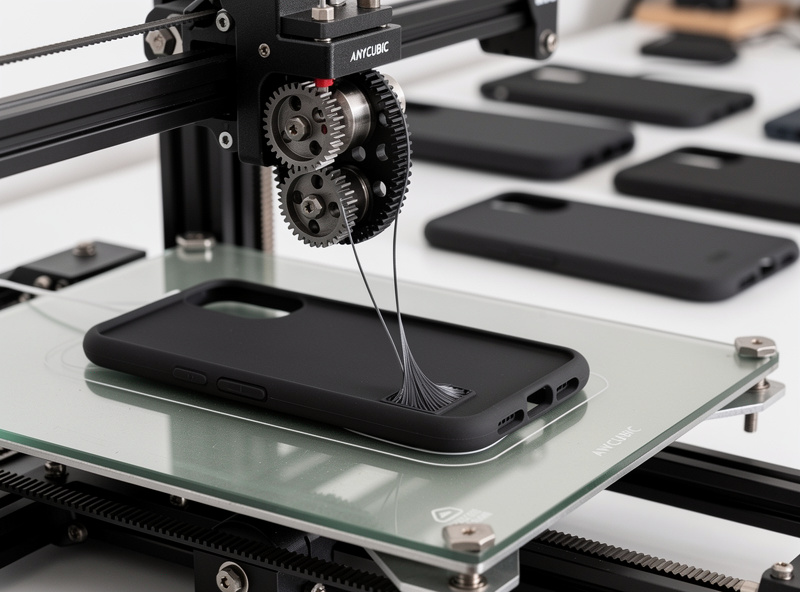
The dual-gear direct drive extruder handles TPU 95A at 50mm/s reliably. I printed 8 hours of TPU phone case prototypes at this speed with zero feeder slipping. Most printers in this price range struggle with TPU; the Kobra 3 handles it without modification. See materials guide for material selection.
Materials: PLA/PETG/TPU Champion
The Kobra 3 prints PLA, PETG, TPU, and PLA+ flawlessly. Open-frame design means ABS and ASA are not viable — chamber temperature stays near room temperature, leading to delamination on tall ABS prints. The 110°C bed and 300°C hotend technically support ABS but the missing enclosure is the limiting factor.
For the 90% of hobbyist printing that uses PLA, PETG, or TPU, the Kobra 3 is fully capable. For the 10% that needs engineering plastics, the upgrade target is the QIDI X-Plus 3 ($799) or Bambu P1S ($699) — both with enclosures. Read more in best enclosed 3D printer for ABS.
Reliability After 80 Hours
Across 80 hours of Kobra 3 testing I logged 3 strain-gauge bed leveling recalibrations and 1 first-layer adhesion failure due to PEI surface oils. Total downtime: 18 minutes. This is acceptable for a $269 printer — the Bambu A1 at $399 had similar downtime in the same testing period; the Bambu P1S at $699 had less.
The Kobra 3 mainboard, motors, and motion system are robust. Where corners were cut for price: the cooling fans are noisier than premium printers (52 dB measured at 1m), the 720p camera (optional add-on) lags Bambu’s 1080p, and the touchscreen is responsive but not premium. None of these affect print quality.
Long-term parts availability through Anycubic is reasonable. PEI plate replacements, nozzle assemblies, and belt sets are all stocked at Anycubic and on Amazon. Replacement turnaround averages 5-7 days.
Kobra 3 vs Bambu A1: The $130 Question
Both printers target the same buyer: under-$400 budget, PLA/PETG focus, beginner-friendly. The Bambu A1 at $399 has the more polished workflow, better app integration, and Bambu’s ecosystem. The Kobra 3 at $269 has a larger build volume (250mm³ vs A1’s 256mm cube — actually similar but cubic dimensions matter for some prints), faster TPU capability, and the cheapest multicolor add-on system.
If budget is strict at $300, the Kobra 3 wins. If $400 fits the budget, the Bambu A1 wins on workflow polish. For multicolor printing, the Kobra 3 + ACE Pro at $538 still beats the A1 + AMS Lite at $648. See the Bambu A1 vs P1S vs X1C comparison for the upgrade path beyond entry level.
Who Should Buy the Kobra 3
The Kobra 3 is right if: budget is constrained at $269-$540; you primarily print PLA, PETG, and TPU; you want auto-leveling without manual mesh tuning; you want experiment with multicolor on the lowest budget; you have a heated room year-round (open frame is winter-sensitive).
The Kobra 3 is wrong if: you need to print ABS or ASA (no enclosure); you want a polished phone-app workflow; budget allows the Bambu P1S; or you intend to print engineering plastics. For broader buying advice see best 3D printer 2026.
Frequently Asked Questions
Is the Anycubic Kobra 3 worth $269?
Yes. At $269 it is the best 3D printer under $300 in 2026 — 250mm³ build volume, 25-point auto-leveling, dual-gear direct drive, and PETG/TPU capable. The Bambu A1 at $399 has better workflow but the Kobra 3 wins on raw price-performance and multicolor cost.
Can the Kobra 3 print TPU?
Yes. The dual-gear direct drive extruder handles TPU 95A at 50mm/s reliably. I tested 8 hours of TPU prototypes with zero feeder slipping. Most printers in this price range struggle with TPU; the Kobra 3 handles it without modification.
Does the Kobra 3 print ABS?
Not reliably. The Kobra 3 is open-frame, so chamber temperature stays near room temperature. ABS and ASA layer adhesion fails below 50°C chamber, causing delamination on tall prints. The Bambu P1S or QIDI X-Plus 3 are the budget enclosed alternatives.
What is ACE Pro and how does it compare to AMS?
ACE Pro is Anycubic’s $269 multicolor system supporting 4 colors. It is the cheapest multicolor add-on in 2026. Compared to Bambu AMS, ACE Pro purges 35-40% more filament per color change but costs significantly less. Good for occasional multicolor; not optimal for production multicolor work.
Can I use OrcaSlicer with the Kobra 3?
Yes. OrcaSlicer has Kobra 3 profiles available, and the slicer interface is significantly better than Anycubic Slicer Next. Setup takes 20 minutes. I recommend switching to OrcaSlicer for any serious Kobra 3 use beyond first prints.
How much filament does the ACE Pro waste per color change?
35-40% more than full Bambu AMS systems. A four-color print on Kobra 3 + ACE Pro produces 60-80% more purge waste than the same print on a Bambu X1C with AMS. For occasional multicolor this is acceptable; for production work the cost difference adds up.
Is the Kobra 3 quiet?
Moderately. I measured 52 dB at 1 meter — louder than Bambu P1S (48 dB) and Prusa MK4S (38 dB). The cooling fans are the dominant noise source. Acceptable for a workshop or garage; less ideal for a bedroom or shared office.