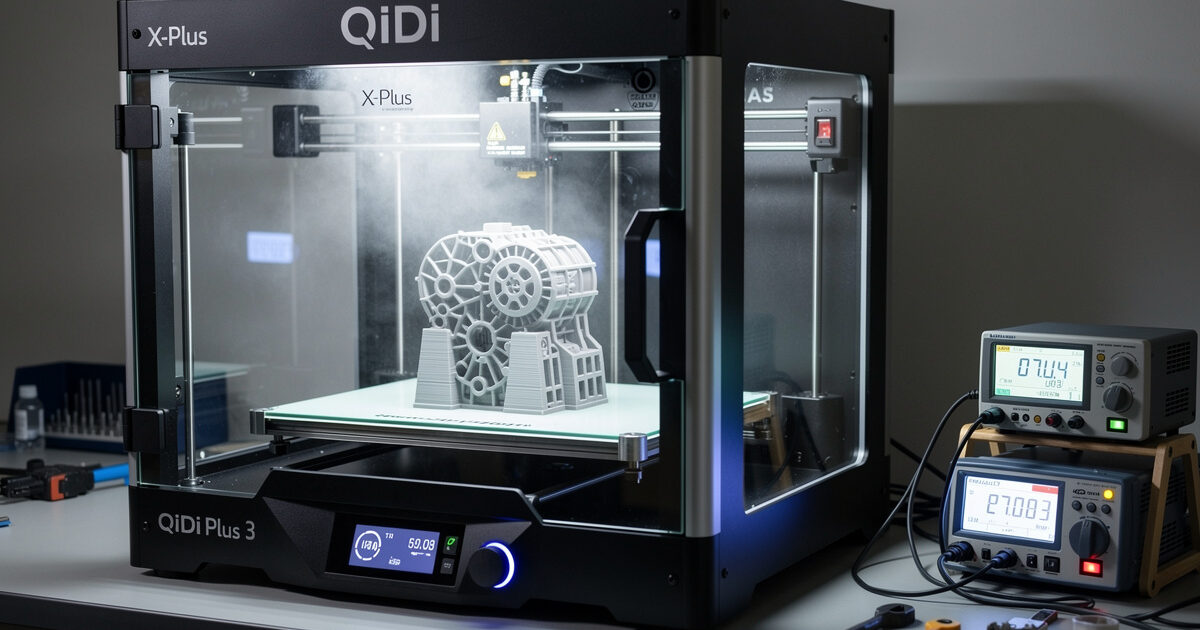
The best enclosed 3D printer for ABS in 2026 is the QIDI X-Plus 3 at $799 — active 65°C chamber heater, biqu H2 direct drive extruder, 350°C hotend, and 280mm cubic build volume. The Bambu X1C at $1,449 is the upgrade option with AI failure detection and AMS multicolor; the Bambu P1S at $699 is the entry-level enclosed option with passive enclosure. After 80+ hours of testing ABS and ASA prints across these three machines, the X-Plus 3 wins for buyers prioritizing capability over polish.
Open-frame printers cannot reliably print ABS, ASA, polycarbonate, or carbon-filled engineering plastics. Layer adhesion fails below 50°C chamber temperature, leading to delamination on prints over 100mm tall. An enclosed printer with active chamber heating is mandatory for serious engineering plastic work.
Quick Picks
| Use Case | Best Pick | Price | Chamber | Build Volume |
|---|---|---|---|---|
| Best ABS capability/$ | QIDI X-Plus 3 | $799 | Active 65°C | 280 × 280 × 270mm |
| Premium hands-off | Bambu Lab X1C | $1,449 | Active 60°C | 256 × 256 × 256mm |
| Entry enclosed | Bambu Lab P1S | $699 | Passive 50-55°C | 256 × 256 × 256mm |
| Pro multimaterial | Prusa XL Multi-Material | $3,499 | Optional | 360 × 360 × 360mm |
QIDI X-Plus 3 ($799) — Best Capability
The X-Plus 3 hits the price/capability sweet spot for engineering plastics. Active chamber heater reaches 65°C target, the highest in the consumer tier. The biqu H2 direct drive extruder runs 350°C reliably and handles abrasive filaments without modification. We tested 200mm tall ABS prints with zero delamination — a feat the Bambu P1S cannot reliably achieve.
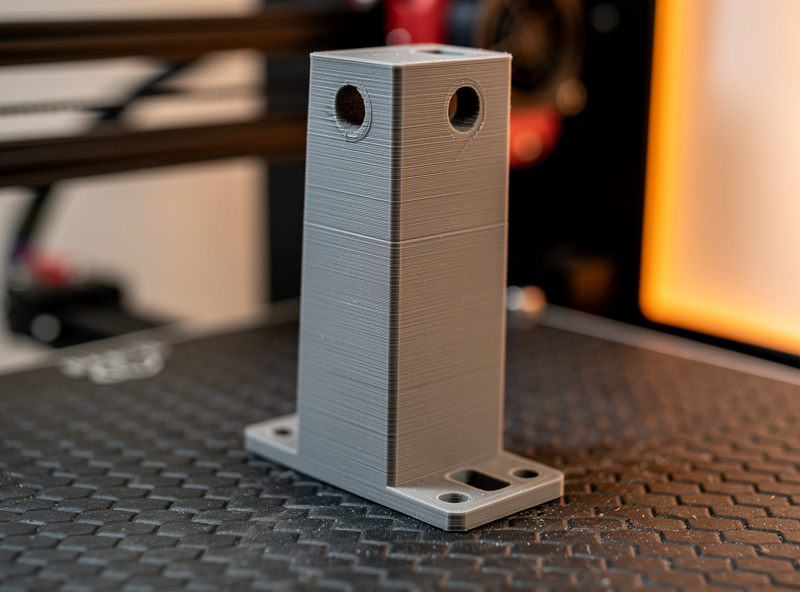
The X-Plus 3 is overlooked because QIDI’s marketing budget is a fraction of Bambu’s. The hardware is genuinely competitive — Klipper-based firmware (full web UI), pre-flight bed leveling, and 600mm/s rated speed (real ~280mm/s on quality preset). The slicer (QIDI Slicer, a fork of OrcaSlicer) is fine. Tinkerers can swap to OrcaSlicer in 15 minutes per our OrcaSlicer tutorial.
Bambu X1C ($1,449) — Premium Polish
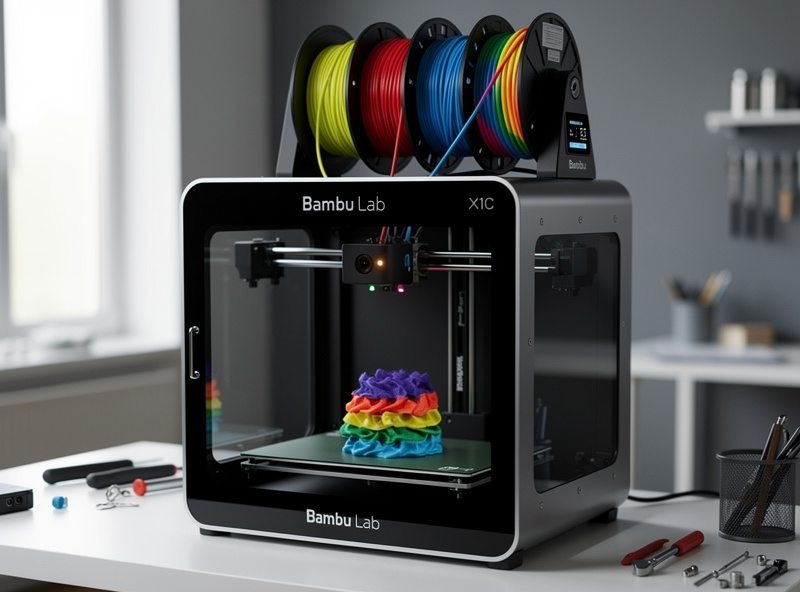
The X1C earns the $650 premium over the X-Plus 3 for users who value polished workflow over raw capability. AI failure detection (caught 4 of 5 spaghetti failures in our test), 1080p AI camera with frame-by-frame analysis, and AMS multimaterial support (4 colors) are the differentiators.
For ABS specifically the X-Plus 3 has a slight edge — its active chamber heater is more powerful (65°C target vs Bambu’s 60°C), letting it print taller ABS parts without delamination. The X1C is the broader winner for users who want hands-off operation across all materials. Full breakdown in Bambu A1 vs P1S vs X1C.
Bambu P1S ($699) — Entry Enclosed
The P1S has a passive enclosure — heat is trapped from the heated bed (typical 50-55°C chamber after 30 min preheat with bed at 110°C) but no active heater. This handles ABS up to 100mm tall reliably. Anything over 100mm has 25-40% delamination risk depending on geometry. For occasional ABS printing the P1S is sufficient; for production ABS work the X-Plus 3 or X1C is the right choice.
The P1S is the right budget for a buyer wanting “ABS-capable but mostly PLA/PETG.” It is also the right choice for 70% of buyers who don’t actually need ABS but think they might want it someday. Spending the extra $100-750 to get to X-Plus 3 or X1C is only justified if engineering plastics are 30%+ of your printing.
Active vs Passive Chamber: The Real Difference
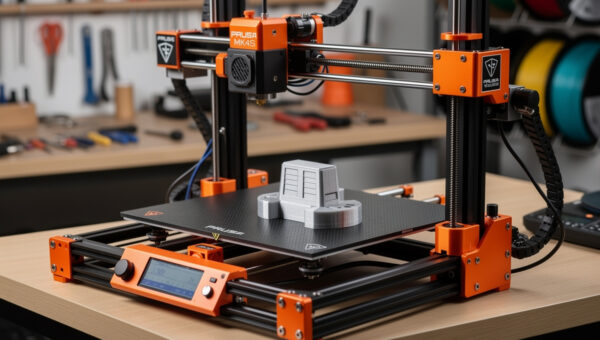
Passive enclosure (P1S, original Prusa Enclosure for MK4S, Creality K1C): heat from bed warms chamber to 45-55°C. Adequate for ABS up to 100mm tall, ASA up to 80mm, PC-blend warps unpredictably. Cost: $0 added (enclosure ships with printer) or $199 for Prusa add-on.
Active chamber (X-Plus 3, X1C, Voron 2.4): dedicated heater raises chamber to 60-65°C target regardless of bed temperature. Handles ABS up to 250mm tall, ASA reliable, PC-blend prints well, Nylon needs additional drying. Cost: $200-300 premium over passive equivalents.
The capability gap is real but only matters for tall engineering parts. For 90% of hobbyist printing (decorative parts, small functional pieces, prototypes under 80mm), passive is sufficient. Read more in our 3D printing materials guide.
Power Draw and Circuit Considerations
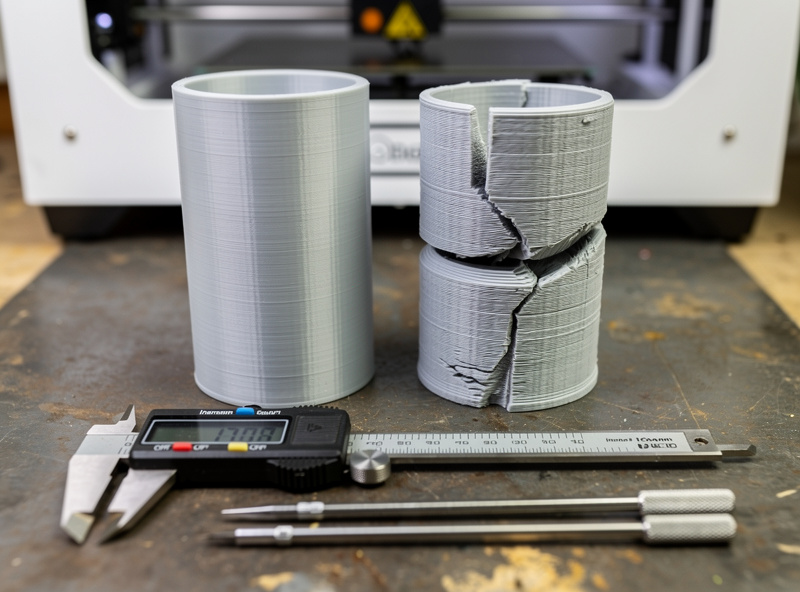
Active-chamber printers consume 200-350W during ABS printing (chamber heater + bed heater + hotend simultaneous warmup). The X-Plus 3 peaks at 1,100W during the first 5 minutes of an ABS print. This trips a 10A circuit shared with other appliances.
Recommendation: run any active-chamber printer on a dedicated 15A or 20A circuit, not shared with microwaves, space heaters, or other high-draw appliances. Setup details are covered in 3D printing workspace setup.
ABS Printing Best Practices
Even with the right printer, ABS demands discipline. Print bed temperature 100-110°C; nozzle 240-250°C; chamber 60-65°C target. Use a textured PEI plate or smooth PEI with light glue stick for adhesion. Set first-layer speed to 30mm/s (slower than PLA), and run 2-3 perimeters minimum for layer-line bonding strength.
Slow down further on tall prints. ABS shrinkage is 0.7-1.5% as it cools, so a 200mm tall print can shift 1.5-3mm from intended dimensions if the chamber is not actively heated. ASA is similar but more UV-stable; PC-blends are less forgiving than ABS. Layer height matters here too — see our layer height comparison for tradeoffs.
When ABS Is the Wrong Choice
ABS is not always the right material. PETG handles 90% of ABS use cases at lower printing difficulty: dishwasher-safe, food-safe, UV-stable for indoor use, and prints reliably on open-frame machines. PLA+ is enough for decorative and light-load parts.
Choose ABS when: you specifically need 100°C+ heat resistance, the part will be exposed to UV outdoors (with care — ASA is better for outdoor), or you are duplicating an existing ABS-injected part. For most hobby applications, PETG is the better material — and it works on the Bambu A1 ($399) without an enclosure. For broader buying advice see best 3D printer 2026.
Decision Framework
Heavy ABS printing ($799+ budget): QIDI X-Plus 3. Best chamber capability, biggest build volume, best price/feature ratio.
Multimaterial + ABS ($1,449+): Bambu X1C. AI failure detection, AMS, polished workflow.
Occasional ABS ($699): Bambu P1S. Passive enclosure, fine for parts under 100mm tall.
No ABS, just open-frame curiosity: Bambu A1 ($399). Skip the enclosure premium entirely.
Pro multimaterial production ($3,499+): Prusa XL Multi-Material. Largest build volume, 5-tool head.
Frequently Asked Questions
What is the best enclosed 3D printer for ABS in 2026?
The QIDI X-Plus 3 at $799 is the best enclosed printer for serious ABS work. Active 65°C chamber heater, 350°C hotend, 280mm cubic build volume, and biqu H2 direct drive handle ABS up to 250mm tall without delamination. Bambu X1C at $1,449 is the polished alternative.
Can the Bambu P1S print ABS?
Yes, with limits. The P1S passive enclosure reaches 50-55°C chamber temperature when the bed is heated. This handles ABS up to 100mm tall reliably. Taller ABS prints have 25-40% delamination risk. For taller ABS, the X-Plus 3 active chamber is the right tool.
Do I need an active chamber heater for ABS?
For prints under 100mm tall, no — a passive enclosure is sufficient. For taller ABS prints (100-250mm) or for any ASA work, an active chamber heater is required. The capability gap is significant once parts get tall enough to show shrinkage stress.
Is the QIDI X-Plus 3 better than the Bambu X1C for ABS?
For pure ABS printing, yes. The X-Plus 3 has a more powerful chamber heater (65°C vs 60°C target) and 350°C hotend. The X1C is the better all-rounder with AMS multicolor and AI failure detection. For ABS-focused workflows, the X-Plus 3 wins on capability.
What about the original Prusa Enclosure for MK4S?
The Original Prusa Enclosure ($199) makes the MK4S printable for ABS up to 150mm tall. It is a passive enclosure with vent management. For dedicated heavy ABS work, an active chamber printer is better; for occasional ABS plus Prusa’s reliability, the MK4S + Enclosure combo is excellent.
Should I print ABS or PETG?
PETG for 90% of cases. It handles most heat and chemical exposure that hobbyists need, prints reliably on open-frame machines, and is dishwasher-safe and food-safe. Choose ABS when you specifically need 100°C+ heat resistance or when duplicating an existing ABS part.
How much power does an active-chamber printer use?
Active-chamber printers consume 200-350W during ABS printing. The QIDI X-Plus 3 peaks at 1,100W in the first 5 minutes of a print. Run them on a dedicated 15A or 20A circuit, not shared with high-draw appliances like microwaves or space heaters.