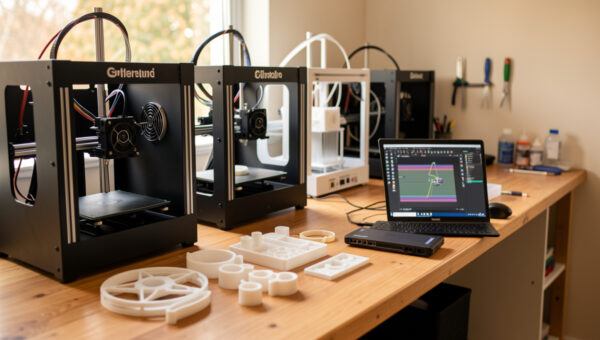
A small 3D print farm is a power, ventilation, noise and monitoring problem long before it is a marketing problem — plan those four first and the machines run themselves. Two or three printers on a shared bench can run unattended overnight if the electrical load is under control, the air is handled, and you can see every machine from your phone. Skip that groundwork and you get tripped breakers, warped prints and a fire-safety risk that no extra throughput is worth.
The jump from one printer to several is the moment a hobby becomes a small operation, and it rewards the maker who treats it like one. I run a stable of machines side by side, and the difference between a farm that hums along and one that fails nightly is entirely in the setup. This is the practical build, room and logistics guide, sitting under the wider 3D printing business guide. Get batch production right on one printer before you ever add a second.
When a Second Printer Actually Pays Off
Add a machine when, and only when, a single bed cannot keep up with proven demand. The trap is buying printers in the hope of orders rather than in response to them. A second printer doubles your throughput but also doubles your maintenance, your failure surface and your power draw, so it has to be earning to justify itself. The signal to scale is a backlog you cannot clear on one machine, not a slow week you hope to fix with capacity.
When you do add machines, redundancy is a hidden benefit worth as much as throughput. Two printers mean a clog or a broken extruder does not halt the whole operation — you keep shipping on the other while you repair. That resilience is why I would rather run two mid-range machines than one expensive one for production. On my own bench that means an enclosed Bambu P1S kept on ABS and ASA and an open Prusa MK4S on PLA and PETG, so a clog on one never stops both materials at once.
Power: The Limit Most Beginners Hit First
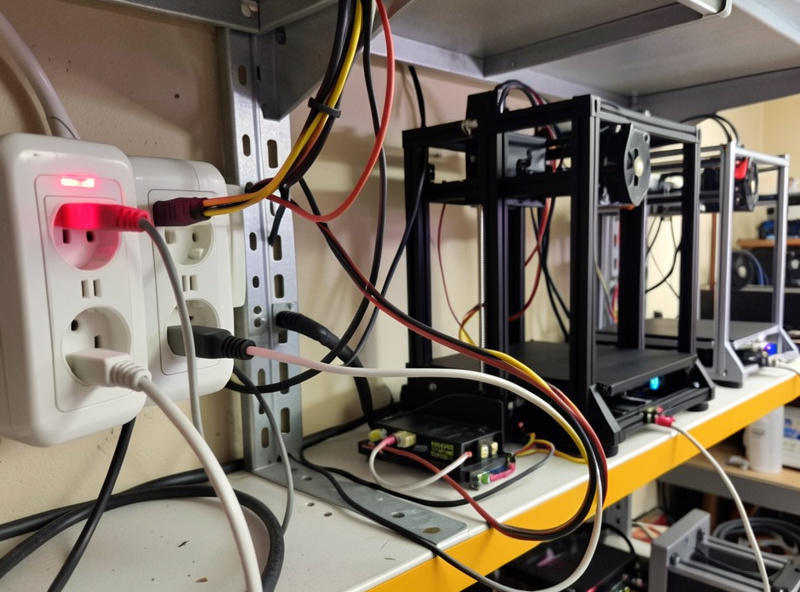
Electrical load is the first hard ceiling. A typical desktop FDM printer averages somewhere around 100–150 W once the bed is up to temperature, with brief spikes higher during heat-up. A few printers, a couple of monitoring cameras and some lighting add up fast, and a single household circuit has a real limit — roughly 1,800 W on a 15-amp 120-volt circuit, more on a 230-volt European circuit, but never the full rating continuously. The rule is to stay well under the circuit’s continuous limit and never daisy-chain machines through one flimsy power strip.
Spread machines across separate circuits where you can, use surge protection, and avoid cheap extension leads carrying multiple heated beds. Heat-up is the spike, so staggering print start times rather than firing every bed at once keeps the peak down. If you are running more than two or three machines, it is worth having an electrician confirm the circuit can take a sustained load — this is the one area where guessing is genuinely dangerous, and it ties directly into fire safety.
Ventilation, Heat and Fire Safety
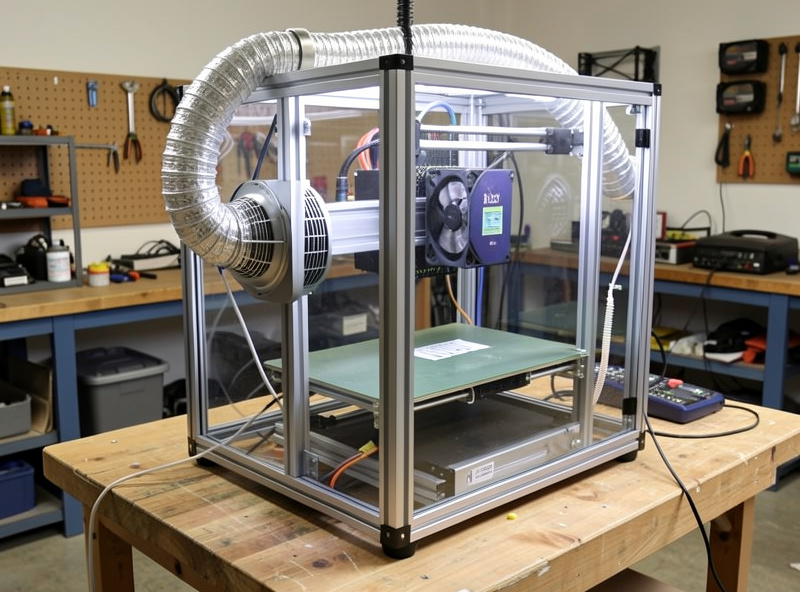
Several printers in a small room generate real heat and real emissions, and both need handling. FDM printing releases ultrafine particles and VOCs, more so with ABS and ASA than with PLA, so a print farm needs active ventilation — a ducted exhaust to outside or at minimum a quality filtration setup and a room that is not sealed. I run a ducted exhaust on my enclosure for exactly this reason, and a farm concentrates the problem. Do not run a cluster of machines in a bedroom or a closed unventilated space.
Fire safety scales with machine count too. More printers running unattended means more opportunities for a thermal fault, so every machine should have thermal-runaway protection enabled, and the room should have a smoke alarm and a Class-C (electrical) extinguisher within reach. I keep an extinguisher rated for electrical fires beside the bench as a baseline. Unattended overnight printing is normal in a farm, which makes these precautions non-negotiable rather than optional. My full approach is in the fire-safety thinking I apply across the workshop.
Bench, Shelving and Noise
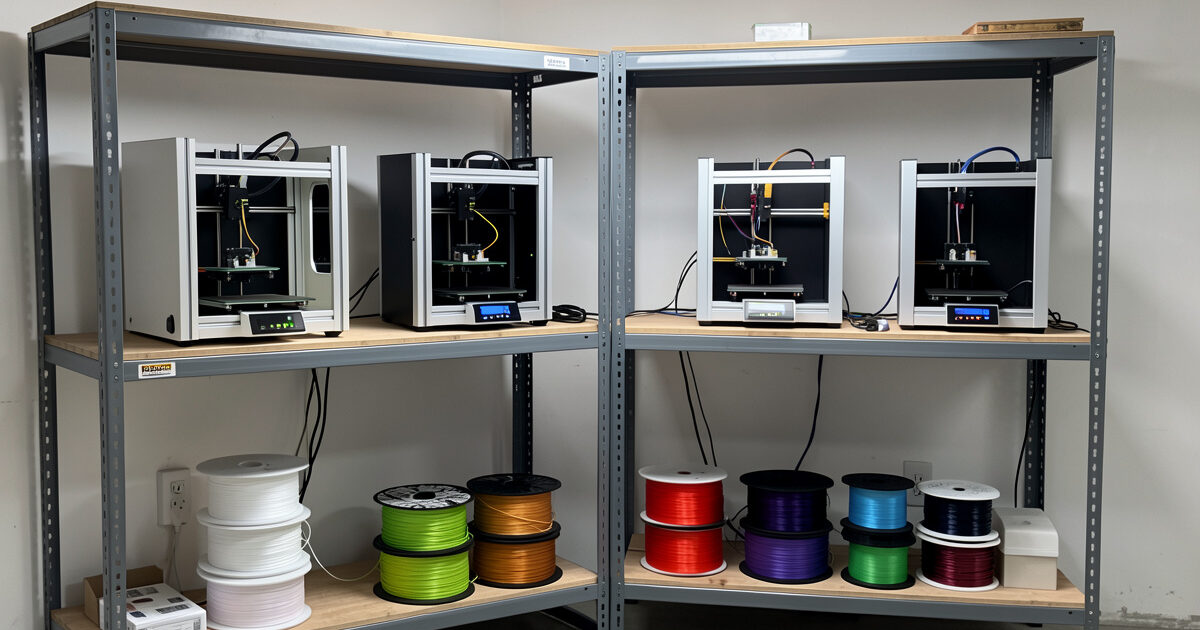
Printers need a stable, level, vibration-isolating surface, and stacking them efficiently is its own small engineering problem. Heavy-duty wire or steel shelving works well because it allows airflow between machines and supports the weight, but each printer must sit on a solid, level shelf — a wobbling shelf shows up as ringing and layer artefacts in fast prints. Leave room around each machine for maintenance access; a farm you cannot reach into is a farm you cannot fix.
Noise compounds with every machine. One printer is a gentle hum; four are a constant drone of fans and stepper whine that you will not want in a living space. Input-shaping-capable machines run quieter at speed, vibration feet help, and a dedicated room or garage is ideal. I keep my machines in a workshop shared with the welder and CNC precisely so the noise stays out of the house, an approach I detail in my workspace setup guide.
| Consideration | One printer | Small farm (2–4) | What to do |
|---|---|---|---|
| Power | One outlet | Approaches circuit limit | Split circuits, stagger heat-up |
| Ventilation | Open room often enough | Concentrated emissions | Ducted exhaust or strong filtration |
| Noise | Background hum | Constant drone | Separate room, vibration feet |
| Monitoring | Glance at it | Cannot watch all at once | Per-machine camera + alerts |
| Maintenance | Occasional | Multiplies with machines | Logged schedule, spares on hand |
Remote Monitoring and Standardisation
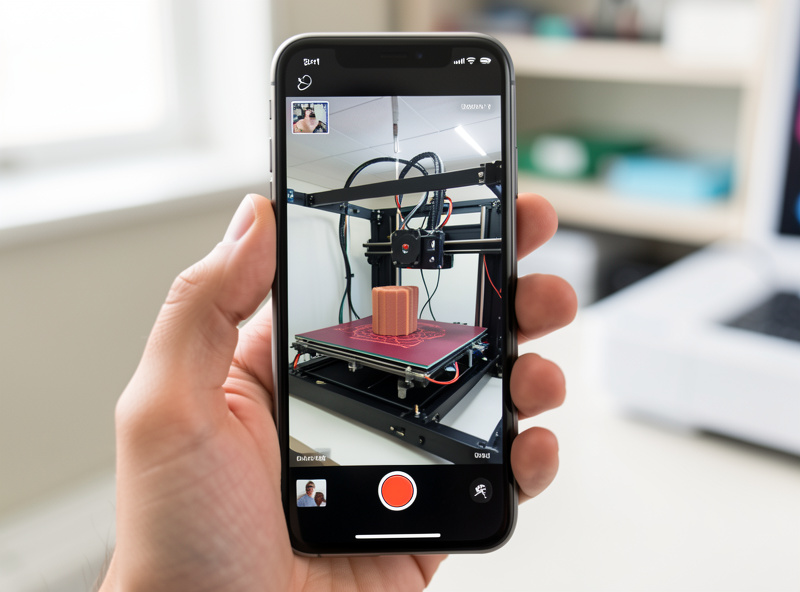
You cannot stand over a farm, so you must see it remotely. Each machine needs a camera and, ideally, failure detection that pauses or alerts on spaghetti or a clog. Modern machines with built-in cameras and apps cover the basics; for others, a host running Klipper or OctoPrint with a webcam does the job. The goal is to catch a failed print early so it does not waste hours of filament or, worse, build into a blob hazard while you sleep. Alerts on your phone turn a farm from a worry into a system.
Standardisation is the quiet superpower of a small farm. Run machines that share a slicer profile, the same nozzle size and the same filament types so any job can go to any printer without re-tuning. When every machine is interchangeable, you load-balance jobs freely and keep one set of calibrated settings instead of five. That is why I favour building a farm from one or two known-reliable models rather than a mix — the best printers of 2026, judged on reliability, make better farm units than whatever is cheapest this week. Keeping them all running depends on a disciplined maintenance routine, and the throughput payoff only arrives if your pricing already cleared profit on one machine.
Frequently Asked Questions
What do I need to set up a small 3D print farm?
Stable shelving, enough electrical capacity across separate circuits, active ventilation, fire safety gear, and per-machine remote monitoring with failure alerts. Standardising on one or two reliable printer models so any job runs on any machine makes the whole farm far easier to manage.
How much power does a 3D print farm use?
Each desktop printer averages roughly 100 to 150 watts once heated, with higher spikes during heat-up. A few machines plus cameras and lighting can approach a single circuit’s continuous limit, so spread them across circuits and stagger start times to keep peak draw down.
Is it safe to run 3D printers unattended overnight?
It can be with precautions: thermal-runaway protection enabled on every machine, remote cameras with failure alerts, a smoke alarm, and a Class-C extinguisher nearby. A print farm runs unattended by nature, which makes these safety measures essential rather than optional.
How many printers make a print farm?
There is no fixed number, but the management problems of power, ventilation, noise and monitoring start at two or three machines. That is when you need separate circuits, a monitoring system and standardised profiles, rather than just buying another printer and plugging it in.
Do print farm machines need to be the same model?
They do not have to be, but standardising on one or two models is a major advantage. Shared slicer profiles, nozzle sizes and filament types let any job run on any machine without re-tuning, so you can load-balance freely and maintain one calibrated setup.
Related Guides
- Selling 3D Prints: The Business Guide — the business case for scaling.
- Batch Production with 3D Printers — throughput before you add machines.
- Best 3D Printers of 2026 — reliable units make better farm machines.
- 3D Printing Workspace Setup — bench, power and ventilation.
- How to Price 3D Prints — make sure capacity earns its keep.