The core difference is where the math runs: Marlin runs entirely on the printer’s own mainboard, while Klipper offloads motion calculation to a host computer like a Raspberry Pi and uses the board only as a step generator. That split lets Klipper run smoother, faster motion with mature pressure advance and resonance compensation — at the cost of more setup and a host that must stay powered. Marlin is simpler and self-contained, and modern Marlin is genuinely good.
Choosing firmware is a free performance upgrade, which is why it sits in the 3D printer upgrades guide even though it costs nothing but time. I run both — Klipper on my CoreXY and Voron builds where I want every last bit of speed, and stock Marlin-based firmware on the machines I just want to print and walk away from. Here’s the honest comparison from running them side by side.
How the Two Architectures Differ
Marlin is a single, self-contained firmware that compiles to your printer’s mainboard — an 8-bit ATmega on older machines or a 32-bit ARM on newer ones. The board reads the G-code, plans the motion, and drives the steppers all by itself. It’s the firmware most consumer printers ship with, and it needs nothing else to run.
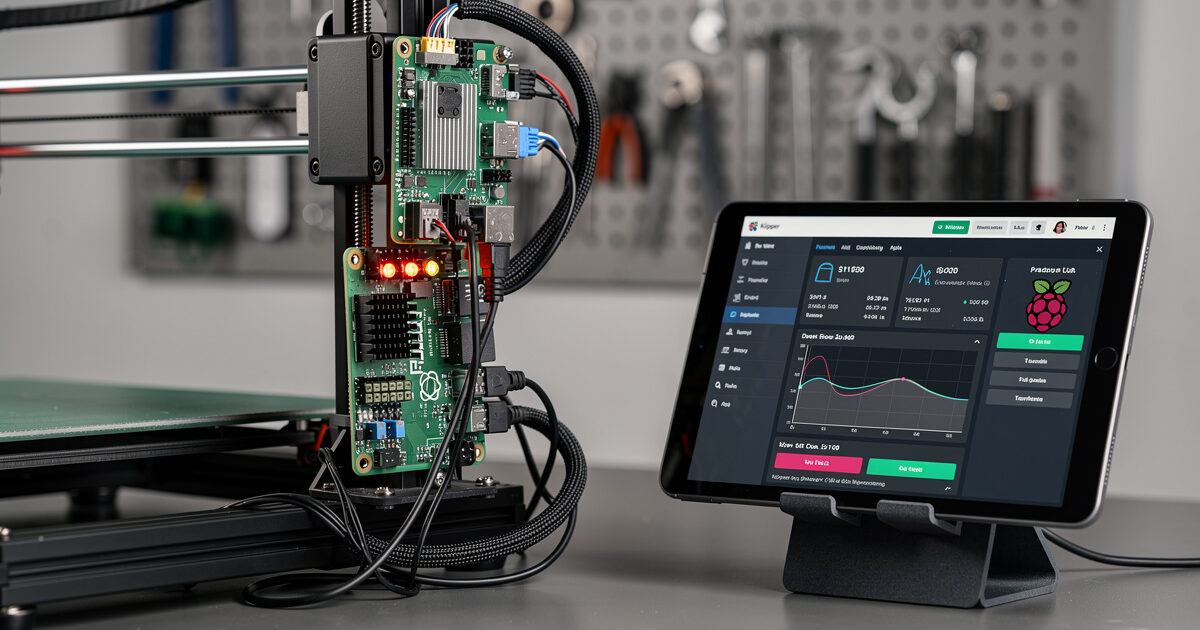
Klipper splits the job in two. A host computer — usually a Raspberry Pi, though some single-board computers and printers now run it internally — does the heavy motion planning, then streams precisely-timed step commands to lightweight Klipper firmware on the mainboard. Because a full Linux computer is doing the math, Klipper can calculate far more complex motion, drive higher step rates, and run features that would choke an 8-bit board. That architectural difference is the root of every practical pro and con below.
Speed and Print Quality
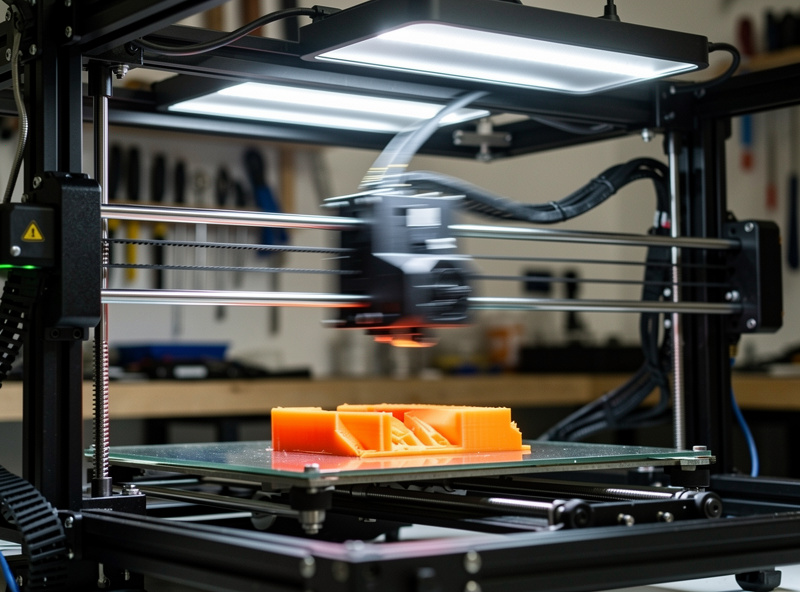
On the same hardware, Klipper generally prints faster and smoother because the host computer isn’t step-rate limited the way an 8-bit Marlin board is. Klipper’s motion planner looks further ahead, its pressure advance (the equivalent of Marlin’s linear advance) is well-tuned, and its resonance compensation is mature. On my Voron, Klipper is what lets the machine run the accelerations it’s capable of without the corners turning to mush.
The gap narrows sharply against modern 32-bit Marlin, which now supports input shaping and linear advance and runs smooth, fast prints. If your printer already has a capable 32-bit board, Marlin’s quality ceiling is high enough that most people won’t see a night-and-day difference. The real Klipper advantage shows up on older 8-bit machines that Marlin can’t push hard, and on builds where you want the absolute top of the speed envelope. Either way, the firmware can’t outrun a melt-rate ceiling — that’s a hotend question, not a firmware one.
Klipper vs Marlin Compared
Here’s how the two firmwares compare on the factors that decide which one belongs on your machine.
| Factor | Klipper | Marlin |
|---|---|---|
| Where it runs | Host computer + mainboard | Mainboard only |
| Extra hardware | Raspberry Pi or SBC | None |
| Config method | printer.cfg text, no reflash | Recompile and flash |
| Input shaping | Mature, auto-calibrated | Supported (fixed-frequency) |
| Pressure / linear advance | Pressure advance | Linear advance |
| Web interface | Mainsail / Fluidd built-in | Add-on (OctoPrint) |
| Setup difficulty | Harder | Easier |
| Best for | Tinkerers, fast/older machines | Print-and-walk-away |
Setup and Configuration
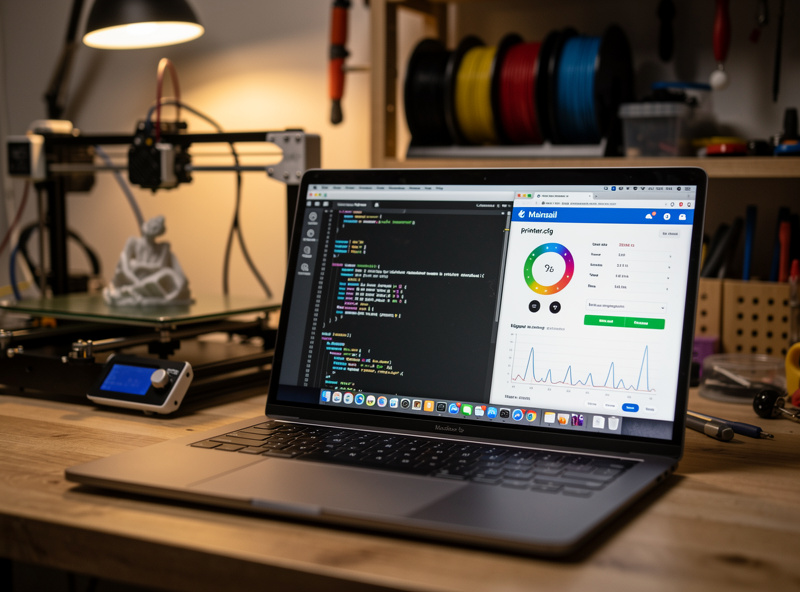
This is where the daily experience diverges most. Klipper is configured through a single printer.cfg text file you edit live — change a setting, restart the firmware in seconds, no recompiling. Combined with the Mainsail or Fluidd web interface, you tune the printer from a browser on any device, and the accelerometer-driven input shaping calibration generates a resonance graph you read directly. It’s a fundamentally nicer tuning loop once it’s running.
Marlin’s configuration lives in configuration.h, which you edit and then recompile and flash to the board for most changes. That’s more friction, though for a printer you set up once and rarely touch, it’s a non-issue. The trade is upfront: Klipper takes real effort to install and configure the first time — flashing the MCU, setting up the host, writing the config — while Marlin on a supported board is closer to download-and-flash. If you enjoy the tuning, Klipper rewards you; if you just want to print, Marlin’s lower setup cost wins. The accelerometer step is shared with the broader input shaping process.
The Real Downsides of Each
Klipper’s biggest practical risk is the host dependency: if the Raspberry Pi loses power or crashes mid-print, the print dies. A reliable power supply for the host and a stable SD card matter, and the added Pi is one more thing that can fail. Klipper also has a steeper learning curve that genuinely turns some people off — there’s no shame in finding the config intimidating.
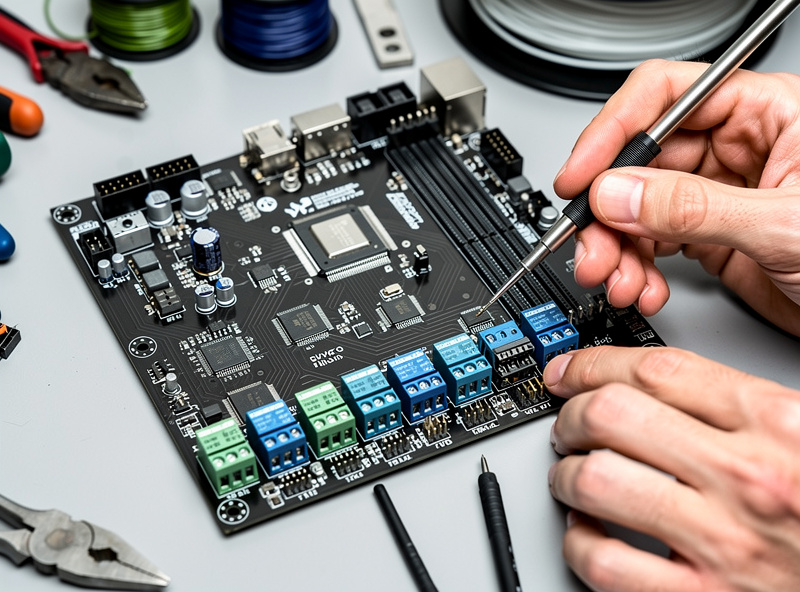
Marlin’s limits are mostly on old 8-bit hardware, where the processor simply can’t keep up with high step rates, complex meshes, and fast input shaping at once. On those boards you’ll hit a ceiling Klipper wouldn’t. The honest fix for an aging 8-bit machine is often a 32-bit board upgrade — which improves Marlin and is also the foundation most people use to move to Klipper. Whichever way you go, a quality mainboard with good stepper drivers is the prerequisite, the same point I make about silent TMC drivers in the upgrades guide.
Which Firmware I’d Run
If you want to tinker, you own an older or budget machine you want to push hard, or you’re building a Voron-class printer, run Klipper — the speed, the live config, and the mature input shaping are worth the setup. If you want a printer that prints reliably with minimal fuss, or your machine already runs capable 32-bit Marlin, stay on Marlin; it’s good enough now that chasing Klipper for its own sake is effort without much payoff. Be honest about which kind of maker you are, because the wrong choice means a printer you fight instead of use.
For most people upgrading an existing machine, I’d start with a 32-bit board and modern Marlin, then move to Klipper only if you find yourself wanting more speed and control than Marlin gives. The firmware decision pairs naturally with adding auto bed leveling — both are defined the same way regardless of probe, as I cover in BLTouch vs CR Touch — and with a slicer dialed in, covered in the OrcaSlicer tutorial. Firmware is the layer that ties the whole upgrade together.
A quick note: some links below are affiliate links — if you buy through them I may earn a small commission at no extra cost to you. I only point to gear I would actually run on my own bench. Details on my disclaimer page.
If you’re moving to Klipper, you’ll want a Raspberry Pi as the host, an ADXL345 accelerometer for resonance tuning, and a KlipperScreen touch display for headless control. Upgrading an 8-bit machine first means a 32-bit mainboard that runs either firmware well.
Frequently Asked Questions
Is Klipper better than Marlin?
For speed and tuning on older or pushed-hard machines, yes. Klipper runs smoother, faster motion with mature pressure advance and live config edits. But it needs a host computer and more setup. Modern 32-bit Marlin is good enough that many users do not need Klipper.
Does Klipper need a Raspberry Pi?
It needs a host computer, usually a Raspberry Pi, though some single-board computers and a few printers run Klipper internally. The host does the motion math and streams step timing to the mainboard, which is why it must stay powered through the whole print.
Does Marlin support input shaping?
Yes. Modern 32-bit Marlin supports fixed-frequency input shaping and linear advance. You measure the resonant frequency and set it in the config. Klipper’s version is more automated, generating a resonance graph from an accelerometer, but both reduce ringing.
Will Klipper make my printer faster?
Usually yes, especially on older 8-bit machines that Marlin cannot push hard. Klipper’s host-based planner drives higher step rates and looks further ahead. Against capable 32-bit Marlin the speed gap is much smaller, since the melt rate often becomes the real limit.
Is Klipper hard to set up?
It is the harder of the two. You flash the mainboard, set up the host computer, and write a printer.cfg config file. The payoff is live tuning with no recompiling and a web interface. Marlin on a supported board is closer to download and flash.
Can I switch from Marlin to Klipper later?
Yes, and many people do. Start with a 32-bit board running Marlin, then add a Raspberry Pi host and flash Klipper firmware to the same board when you want more speed and control. The board itself usually runs either firmware.