Thermal runaway is the one 3D printer fault that starts fires. It happens when temperature control loses touch with reality — usually a thermistor falls out of the heater block — so the firmware reads a falsely cold sensor and commands full heater power forever. The block climbs past 300, 400, 500 C until something melts or ignites. Thermal runaway protection is the firmware safeguard that catches this and shuts the heaters down, and verifying it is enabled is the most important free thing you can do for printer safety.
I check it on every machine I commission, before the first real print. It takes two minutes and it is the foundation the rest of fire safety sits on. Let me explain exactly what the fault is, how the protection works in both Marlin and Klipper, how to confirm yours is active, and the wiring habits that stop the fault from happening in the first place.
What thermal runaway actually is
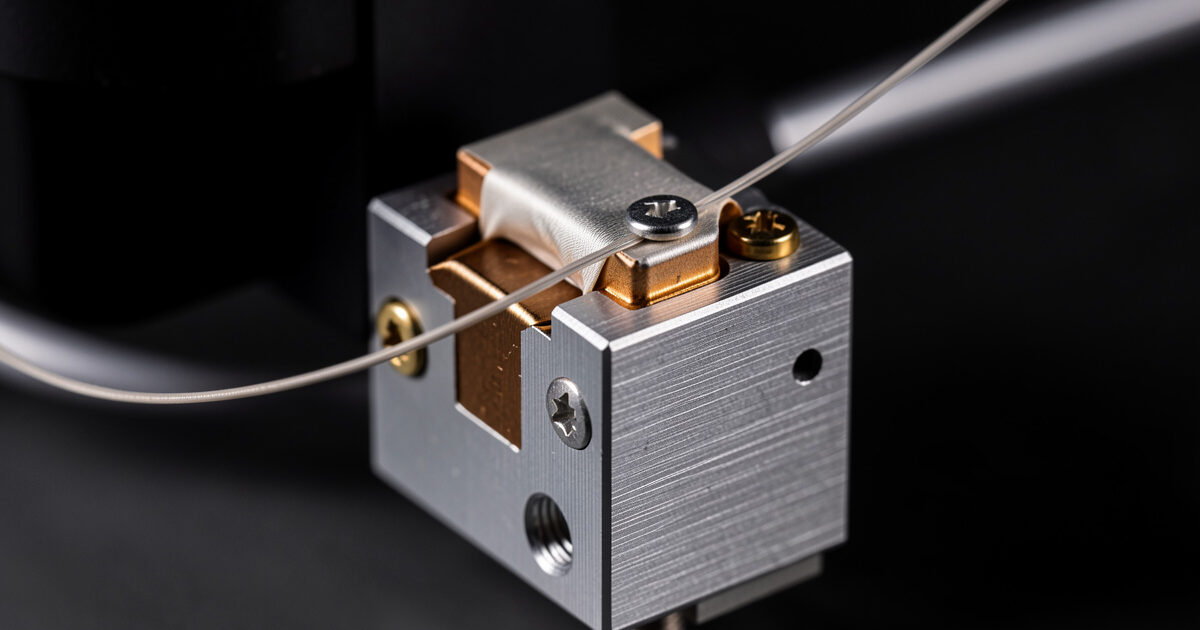
A 3D printer holds temperature with a feedback loop: a thermistor measures the heater block, the firmware compares it to the target, and it pulses the heater to hold the setpoint. The whole loop trusts the thermistor. If the thermistor physically falls out of the block — a surprisingly common failure, because it is a tiny glass bead held by one grub screw or a dab of paste — it suddenly reads the cooler surrounding air. The firmware sees a temperature far below target, concludes the block needs more heat, and turns the heater to full. But the block is already at temperature, so it just keeps climbing, with nothing in the basic loop to stop it.
The same outcome happens if the thermistor wire shorts, if the firmware’s temperature table is wrong, or if a heater MOSFET fails closed and delivers power regardless of command. In every case the result is an uncontrolled heater. Left unchecked, the block reaches temperatures that melt the hotend’s plastic parts, char nearby filament, and can ignite anything flammable in contact. This is not theoretical — the well-known printer fires from the pre-protection era trace almost entirely to this fault on machines whose firmware could not detect it.
How the protection works
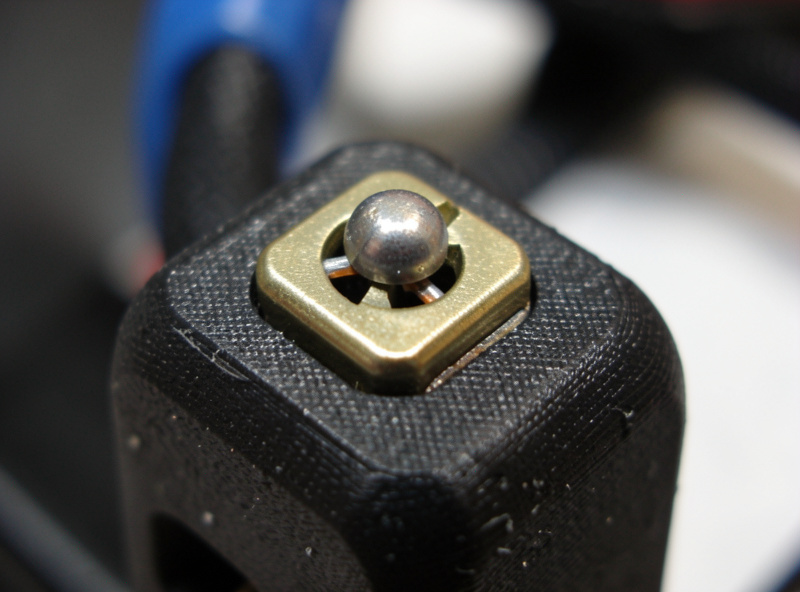
Thermal runaway protection adds a sanity check on top of the basic loop: it watches whether the temperature actually responds the way the heater command says it should. If the firmware commands heating but the measured temperature does not rise as expected over a set window, or if the temperature drifts too far from target, the firmware concludes the sensor reading cannot be trusted and faults out — it kills the heaters and halts the print rather than trusting a reading that does not make physical sense.
In Marlin, this is the THERMAL_PROTECTION_HOTENDS and THERMAL_PROTECTION_BED set of features, enabled by default in current builds. They define a hysteresis and a period: if the temperature falls outside the allowed band for longer than the period while heating is commanded, the printer throws a “Thermal Runaway” error and shuts down. In Klipper, the equivalent is the verify_heater logic plus the configured min_temp and max_temp limits; if the heater is not heating at the expected rate, or temperature exceeds max, Klipper shuts down with an error and requires a firmware restart. Both approaches catch the dropped-thermistor case, which is the one that matters most. If you are choosing between the two, the Klipper vs Marlin comparison covers how each handles heater safety and configuration.
How to confirm yours is enabled
Do not assume. The danger zone is old firmware, cheap printers shipped with safety features disabled to cut corners, and self-flashed builds where someone turned protection off to silence a nuisance error. Here is how to check.
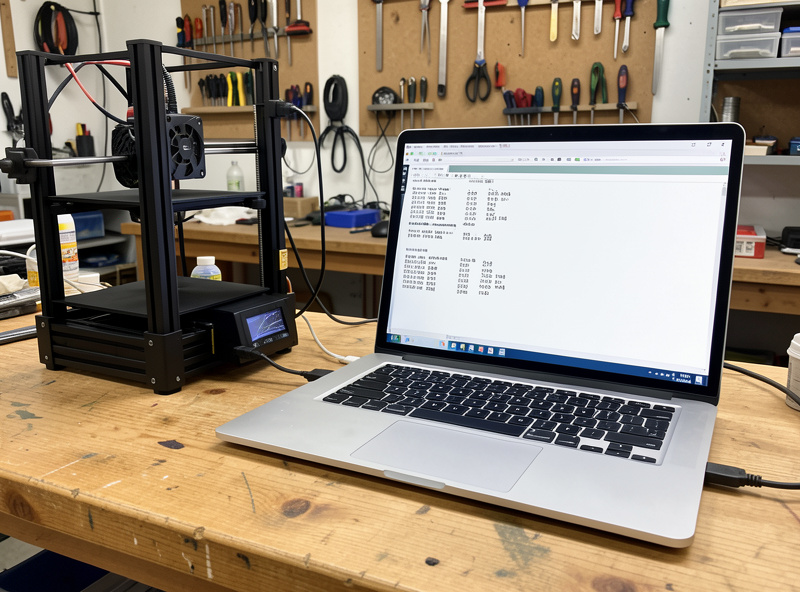
On a Marlin printer, the cleanest test is to send the M503 command over a terminal (in your slicer’s device console, Pronterface, or OctoPrint) and look at the reported configuration, or simply check that your firmware version is recent — protection has been default-on in Marlin for years. The definitive test some makers do on a bench, carefully and with an extinguisher at hand, is to start a heat-up and gently slide the thermistor out of the block; a protected printer faults within seconds, an unprotected one keeps heating. I do not recommend the live test unless you know what you are doing — reading the config is enough. On a Klipper printer, your printer.cfg defines min_temp, max_temp and the heater’s control parameters; Klipper’s verify_heater is active by default and will report in the console if it trips. If you ever flashed firmware yourself and consciously disabled thermal protection, re-enable it — there is no acceptable reason to run without it.
Stop the fault before the firmware has to
Thermal runaway protection is the safety net, but the better goal is never to drop into it. Most real-world triggers are mechanical and preventable. The thermistor and heater cartridge should be physically secure in the block — the grub screw or retention clip tight, the wires strain-relieved so motion does not tug them loose over hundreds of hours. A connector carrying heater current should be a solid crimp, not a tinned wire jammed into a screw terminal; tinned solder cold-flows under heat and pressure and creates a high-resistance joint that heats up and can arc. Ferrule crimps on stranded wire into terminal blocks are the right practice.
Heat-cycling loosens things, so wiring at the hotend is worth a look during routine service. I check the hotend connections whenever I do other maintenance — the full routine is in the maintenance guide — because a wire that has worked loose is the most common path to a dropped thermistor. None of this is exotic; it is just the difference between a printer that runs safely for years and one waiting for a heat cycle to find the weak joint.
When the error trips and there is no fire
Sometimes the protection faults the printer and nothing was actually wrong — a “false” trip. This catches people off guard and tempts them to disable the feature, which is exactly the wrong response. The fault did its job; you just need to find why the temperature could not keep up. The most common cause is a part-cooling fan blasting directly across the heater block, especially on a cold-room first layer, dragging block temperature down faster than the heater can hold it. A silicone sock over the heater block fixes this on most machines by insulating it from the fan blast.
Other innocent triggers: a poorly tuned PID loop that overshoots and undershoots until it drifts outside the allowed band, a cold ambient that makes heat-up slow on a printer with a marginal heater cartridge, or a partially loose thermistor that reads erratically without having fully fallen out. The fix in each case is to address the real cause — run a PID autotune, fit the silicone sock, re-seat the thermistor, warm the room — not to silence the alarm. A printer that occasionally false-trips is annoying; a printer with protection disabled is a fire waiting for the one real fault.
Do not forget the heated bed
Thermal runaway is usually discussed in terms of the hotend, but the heated bed has its own runaway risk and its own protection (THERMAL_PROTECTION_BED in Marlin). The bed draws far more current than the hotend, so its wiring and connectors carry serious load — a high-resistance bed connector is a classic hot-spot. The bed thermistor can also detach or read wrong, commanding full bed power indefinitely. Confirm bed protection is enabled alongside the hotend’s, and during service give the bed’s power connector the same scrutiny as the hotend wiring: a discoloured or warm connector under load is a warning to re-terminate it before it fails.
Layer it with the rest of your fire defences
Thermal runaway protection is necessary but it is not the whole story. It defends against the temperature-control failure, but a jammed extruder, an electrical fault elsewhere, or a damaged heater wire can still cause trouble on a long unattended run. That is why I treat firmware protection as the first layer and physical fire safety as the second — a smoke alarm above the printer, an extinguisher within reach, and the printer on a non-combustible surface.
For the unattended overnight prints that are the whole appeal of this hobby, I also keep the machine on a smart plug I can cut from my phone and a camera on the bed, so if something looks wrong I can kill power remotely. As an Amazon Associate I earn from qualifying purchases. The complete layered approach — detection, suppression, and monitoring — lives in the fire safety guide, and the whole picture, including the air-quality side, is in the main 3D printer safety and air quality guide. If you run hot materials in an enclosure, also confirm your electronics sit outside the heated chamber, as covered in the ABS and ASA enclosure guide — cooking the control board is its own slow path to an electrical fault.