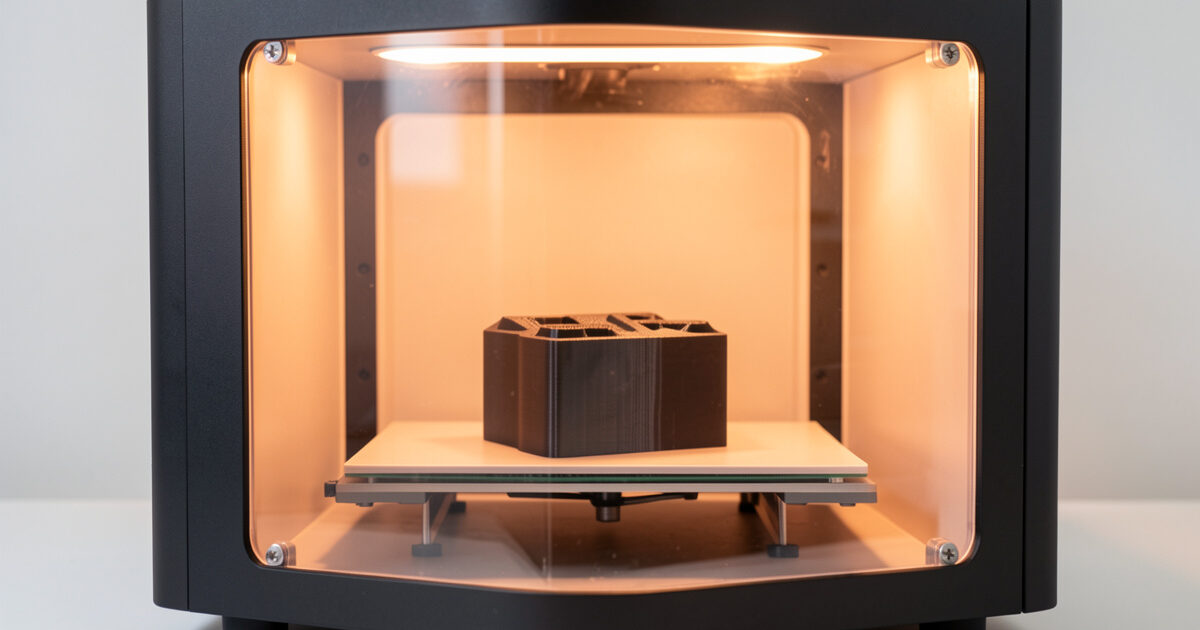
ABS and ASA warp and crack because they shrink as they cool, and uneven cooling tears layers apart. An enclosure fixes this by holding a warm, still chamber — ideally 40–55 C ambient — so the whole part cools evenly. That is the real job of an enclosure: not safety, not looks, but a stable chamber temperature that stops the shrinkage from destroying the print.
I print ABS and ASA regularly for functional parts that live outdoors or near heat — the same parts in PLA would sag or split — and the enclosure is what makes those materials usable. But an enclosure also creates two problems you have to design around: it traps fumes, and it cooks your electronics. Here is how to get the warping control without the side effects, and why you should never put PLA in the same box.
Why ABS and ASA need a warm chamber
ABS has a high coefficient of thermal contraction. As each layer cools from 245 C toward room temperature it shrinks, and because the bottom of the part cools while the top is still being printed, the part pulls itself off the bed (warping) or splits between layers (cracking, or “delamination”). ASA behaves almost identically — it is essentially ABS with far better UV resistance, which is why I reach for it on outdoor parts, as covered in the ASA vs ABS outdoor test.
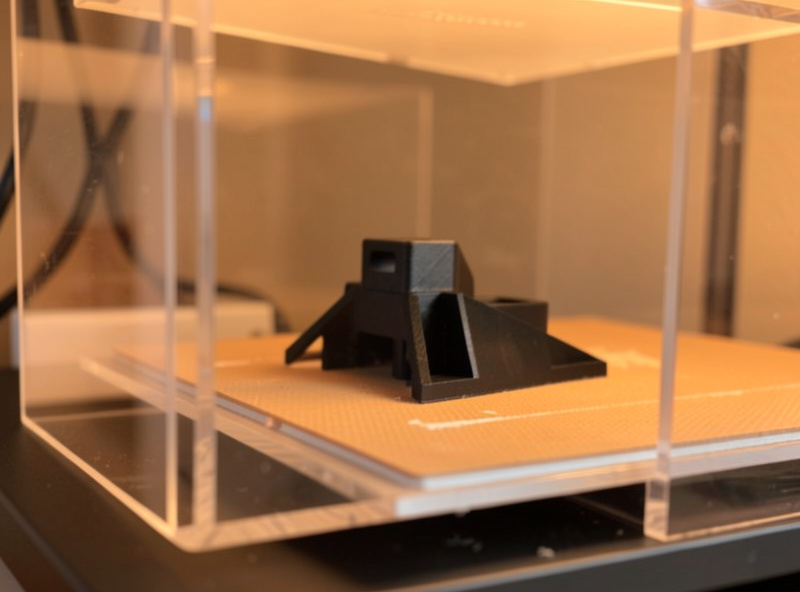
A warm, draft-free chamber slows that cooling so the part contracts evenly instead of in a fighting gradient. You are not trying to keep the plastic molten — just to keep the air around the print warm and still. Even a passive enclosure that simply traps the heat the bed and hotend already produce will lift chamber temperature 15–25 C above the room and eliminate most warping. A draft from an open window across a bare ABS print is the classic cause of a cracked tower.
Chamber temperature targets by material
How warm the chamber needs to be depends on the material. Here is what I aim for, measured with a thermometer inside the chamber rather than guessed.
| Material | Target chamber temp | Enclosure? | Why |
|---|---|---|---|
| PLA | Cool / room temp | No — avoid | Heat creep softens filament in the hotend, causing jams |
| PETG | Room temp / mild | Optional | Low warp; enclosure rarely needed |
| ABS | 40–55 C | Yes | High shrinkage; prevents warp and cracking |
| ASA | 40–55 C | Yes | Same as ABS, plus UV stability |
| PC / blends | 50–65 C | Yes (active) | Even higher temps; often needs heated chamber |
| Nylon (PA) | 45–60 C | Yes | Warp-prone and moisture-sensitive |
The top row is the one people miss: PLA should not be enclosed. PLA’s low glass-transition temperature means a warm chamber softens the filament before the hotend grip, causing heat creep and jams. If you run a mixed shelf, enclose only for the hot materials and open the chamber (or pop a panel) when you go back to PLA. The filament guide covers each material’s quirks in depth.
The two problems an enclosure creates
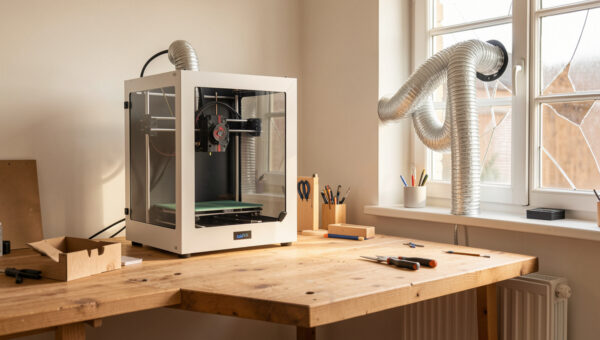
An enclosure traps two things you do not want trapped: fumes and heat around the electronics. The fumes are the air-quality issue — ABS and ASA release styrene and high ultrafine-particle counts, covered in the emissions guide — so an enclosure that seals the fumes in only helps you if you then remove them. That is why I vent my enclosure with a ducted exhaust or a recirculating filter rather than sealing it shut; the HEPA and carbon filter guide and the room ventilation guide cover both routes.
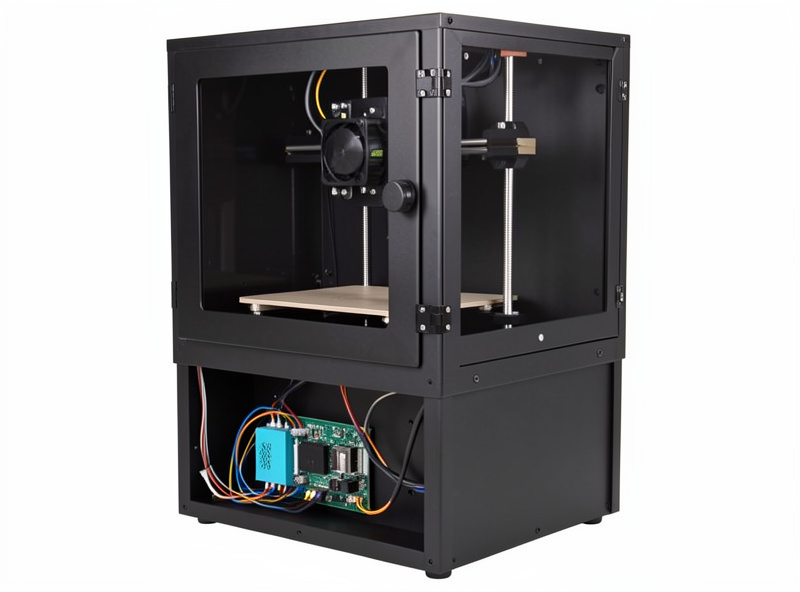
The heat problem is sneakier. Stepper drivers, the power supply, and the control board all run cooler and last longer in open air. Seal them inside a 50 C chamber and you shorten their life and raise the small risk of an electronics fault — the very thing that can start a thermal event. The fix on most well-designed enclosures and printers is simple: mount the control electronics outside the heated volume. On my enclosed setup the mainboard and PSU sit below or behind the chamber, breathing room air, while only the motion system and bed are in the warm zone.
Passive, active, or buy-it-built
You have three routes to an ABS-capable enclosure. A passive enclosure — a box, a cabinet, or a commercial tent that traps existing heat — is enough for most ABS and ASA work and is what I would build first. The DIY enclosure build walks through making one. An actively heated chamber adds a heater to hold higher, controlled temperatures for polycarbonate and engineering materials; it is more than most hobbyists need. And buying an enclosed printer — a machine designed from the start with a sealed chamber and external electronics — skips the integration headaches, which I cover in the best enclosed printer roundup.
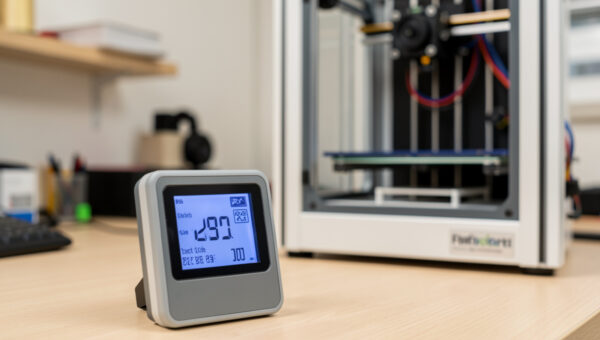
Whichever route you take, verify the chamber temperature with a real chamber thermometer rather than trusting the printer’s bed sensor — chamber air is what controls warping, and it is often cooler than people assume. As an Amazon Associate I earn from qualifying purchases. If you would rather buy a complete sealed machine, an enclosed printer built for ABS handles the chamber and electronics layout for you. It all connects back to the full safety and air quality guide.
Making chamber heat and venting coexist
The genuine tension in an enclosed ABS setup is that the two things you need fight each other: you want the chamber warm and still for the print, and you want fumes pulled out for your lungs. Vent too hard and you drag cool room air across the part and re-introduce the warping you built the enclosure to prevent. Seal it tight and the fumes have nowhere to go. The answer is a gentle, continuous draw rather than a strong extraction.
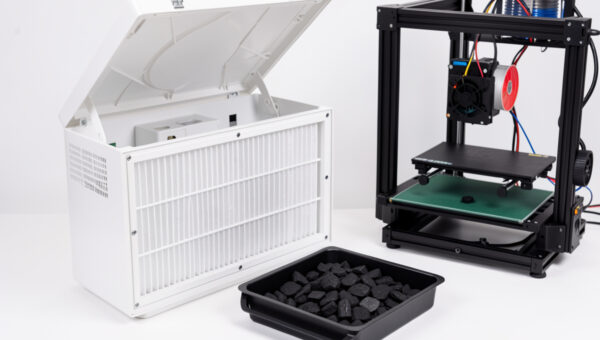
The way I run mine: the exhaust pulls slowly and continuously during the print, enough to keep the air from going stale but not so fast that chamber temperature collapses. The print’s own heat keeps refilling the chamber faster than the gentle draw removes it, so it settles at a stable warm equilibrium. Then, at the end of the print, I let the exhaust run harder during cool-down to clear the chamber before I open the door — that way the concentrated slug of fumes goes outside instead of into my face. A recirculating HEPA-and-carbon filter is the alternative for people who cannot vent at all, since it scrubs the air without removing the heat; it keeps the chamber warm because it returns the filtered air to the chamber rather than expelling it.
Get that balance right and an enclosed ABS setup is genuinely pleasant to run — quiet, warp-free, and not stinking up the room. Get it wrong in either direction and you either crack prints or breathe styrene. It is worth spending an afternoon with a chamber thermometer dialing in the draw rate for your specific box, because every enclosure leaks differently and there is no universal number.
Frequently Asked Questions
Do I need an enclosure to print ABS?
For reliable results, yes. ABS shrinks as it cools and warps or cracks without a warm, draft-free chamber. A passive enclosure that traps the bed and hotend heat to reach 40 to 55 C ambient eliminates most of the problem. Small parts sometimes succeed without one, but tall or large ABS prints almost always need it.
What chamber temperature is best for ABS and ASA?
Aim for roughly 40 to 55 C ambient inside the chamber, measured with a thermometer rather than the bed sensor. That range slows cooling enough to prevent warping and layer cracking without softening the filament in the hotend. Polycarbonate wants higher, often 50 to 65 C with an actively heated chamber.
Can I print PLA in an enclosure?
You should not. PLA has a low glass-transition temperature, so a warm chamber softens the filament before the hotend grip and causes heat creep and jams. If you run a mixed shelf, enclose only for ABS, ASA and other hot materials, and open a panel or the door when switching back to PLA.
Does an enclosure make 3D printing safer?
It contains a small flame and reduces noise, but it is mainly a temperature-control device, not a safety device. It traps fumes you must then vent or filter, and it raises the temperature around electronics that prefer open air. Pair an enclosure with ventilation and keep the control board outside the heated volume.
Why is my ABS print cracking even in an enclosure?
Usually the chamber is not warm enough or a draft is reaching the print. Check the actual chamber air temperature, close any gaps, and avoid venting so aggressively that you pull cool room air across the part. Bed adhesion and first-layer issues can also masquerade as cracking, so confirm the chamber temperature first.