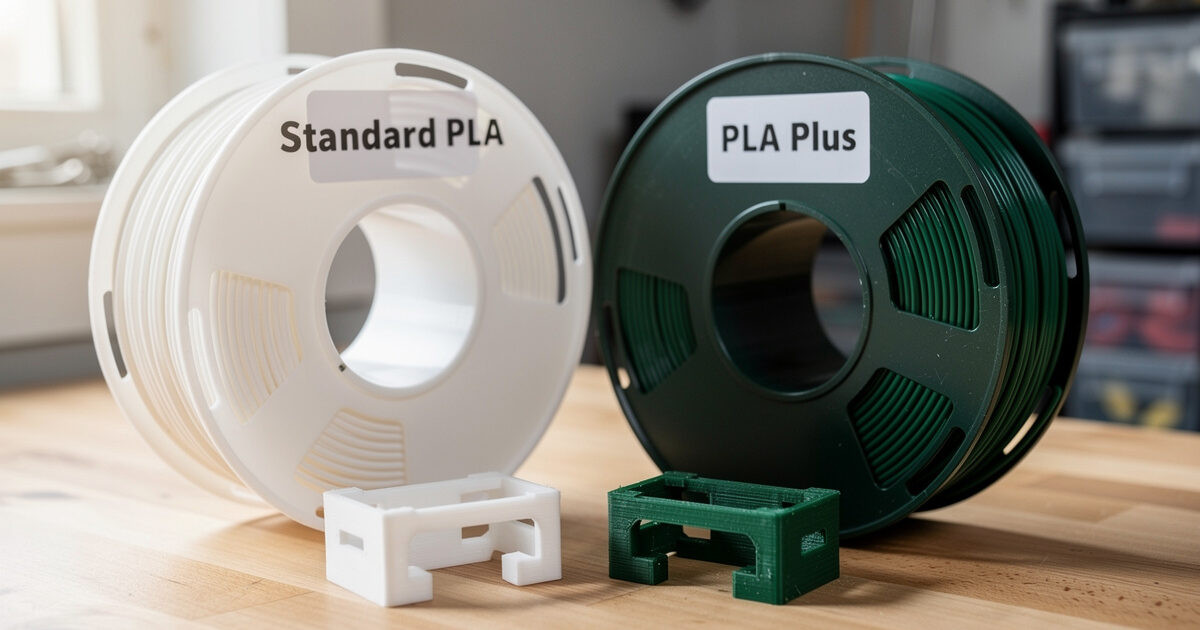
PLA+ is not a single material — it is a marketing term each filament brand applies to a slightly different reformulation of standard PLA. Polymaker PolyLite PLA+, eSun PLA+, and Sunlu PLA+ are three different chemical recipes labeled with the same plus sign. After running 12 spools side by side in 2026, the practical takeaway is: PLA+ from a tier-1 brand delivers 30–60% more impact strength than the same brand’s standard PLA, prints 5–10 °C hotter, and costs $3–8 more per kilogram. For functional parts that need toughness, PLA+ is worth the price. For decorative prints, standard PLA is fine.
This article compares the actual mechanical and printing differences between PLA and PLA+ across brands, identifies which brand of PLA+ delivers the biggest strength jump, and explains where the marketing claims diverge from real-world test results. It is the comparison companion to our filament hub guide.
What “PLA+” Actually Means
PLA (polylactic acid) in its base form is brittle. A printed part snaps cleanly under impact load — useful for cosplay props that should break on stress, frustrating for jigs, brackets, and tools. To address this, filament manufacturers blend additional polymers, plasticizers, or impact modifiers into the base PLA and rebrand the result as PLA+, PLA Pro, Tough PLA, or PLA Plus depending on the company. There is no industry standard for what “+” includes; each brand chooses its own additive package.
The result is significant variation. Polymaker PolyLite PLA+ uses a proprietary toughening copolymer and prints at 220 °C with measurable impact-strength gains. eSun PLA+ uses a different additive package, prints at 215 °C, and shows different mechanical behavior. Sunlu PLA+ leans more on plasticizers, prints almost identically to its standard PLA, and shows smaller strength gains. The marketing label does not predict the mechanical result — only the brand and formulation do. Our brand review covers brand-by-brand testing.
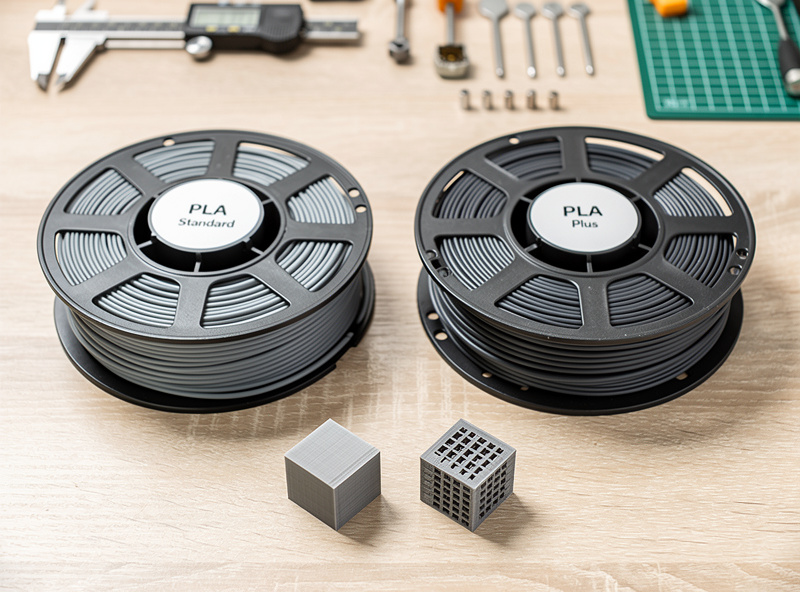
Impact Strength: The Real Difference
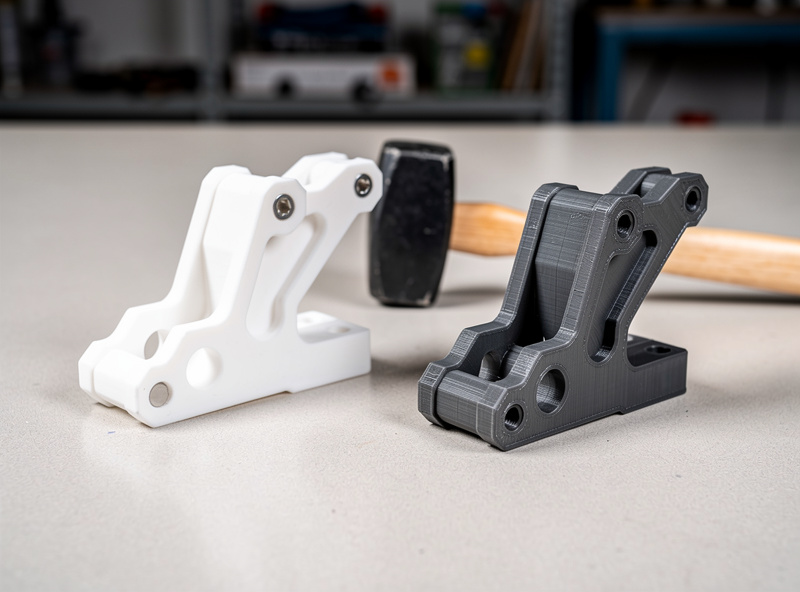
Impact strength is the property PLA+ targets. Standard PLA breaks at low impact loads — drop a printed bracket on concrete and it shatters. PLA+ flexes more before failing and absorbs more energy in the failure. The numerical difference matters for parts under load, and is the only reason to pay the price premium.
| Filament | Tensile Strength | Izod Impact | Print Temp | Price/kg (2026) |
|---|---|---|---|---|
| Polymaker PolyLite PLA | 46 MPa | 5.1 kJ/m² | 200–220 °C | $22 |
| Polymaker PolyLite PLA+ | 52 MPa | 8.4 kJ/m² | 210–230 °C | $26 |
| eSun PLA | 47 MPa | 4.8 kJ/m² | 200–220 °C | $18 |
| eSun PLA+ | 50 MPa | 7.2 kJ/m² | 205–225 °C | $22 |
| Sunlu PLA | 43 MPa | 4.2 kJ/m² | 195–215 °C | $15 |
| Sunlu PLA+ | 45 MPa | 5.5 kJ/m² | 200–220 °C | $18 |
| Prusament PLA | 48 MPa | 5.3 kJ/m² | 205–220 °C | $30 |
Polymaker PolyLite PLA+ shows the biggest absolute jump in impact strength — 65% over the standard variant. eSun PLA+ adds 50% over standard. Sunlu PLA+ adds 30%, which is real but smaller than the brand’s marketing implies. Prusament does not sell a separate PLA+ — their standard PLA is already higher impact than most competitors’ PLA+ at the cost of a higher base price.
When to Use PLA vs PLA+
Use standard PLA for figurines, cosplay props, decorative pieces, prototypes you will discard, and anything that does not see mechanical load. The lower print temperature, lower price, and slightly cleaner detail make PLA the better choice when impact strength does not matter. Standard PLA also produces sharper edges on text and small features because the lower temperature reduces oozing.
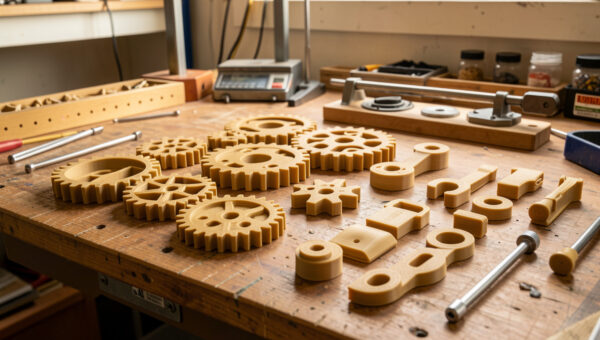
Use PLA+ for jigs, brackets, mounts, fixtures, tools, replacement parts, and anything you will use in production. The 30–60% impact strength improvement is the difference between a part that survives a dropped tool box and one that snaps. PLA+ also handles the heat soak of a hot car’s interior slightly better — not a meaningful margin, but enough to keep dashboard parts from deforming on a 90 °F day where standard PLA would sag. For any part that needs real heat resistance, step up to PETG, ABS, or ASA instead.
Print Settings: PLA vs PLA+
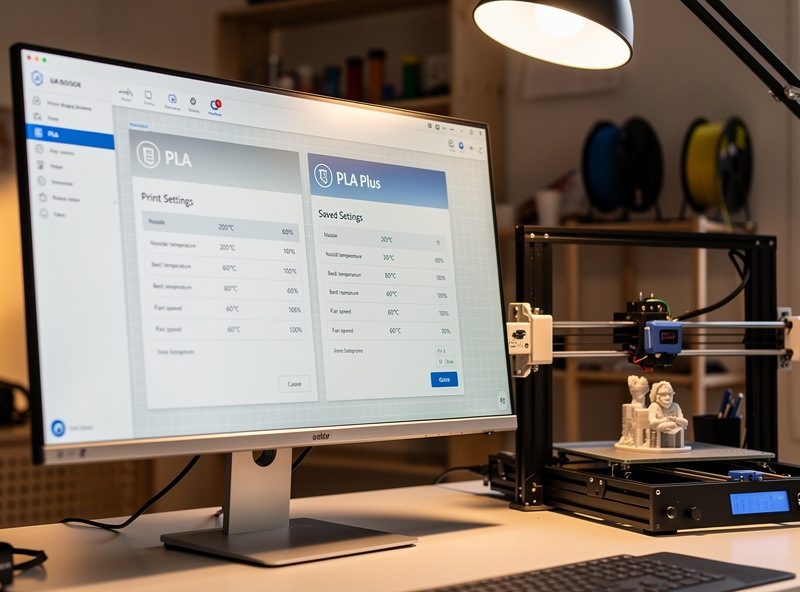
PLA+ runs slightly hotter than standard PLA and benefits from a slightly higher bed temperature. The exact differences vary by brand, but the working profile across all PLA+ formulations centers on 215 °C nozzle, 60 °C bed, 60 mm/s print speed, 0.2 mm layer height, and 30% cooling fan. Standard PLA on the same printer runs at 200 °C, 50 °C bed, 60 mm/s, 0.2 mm layer height, and 100% fan.
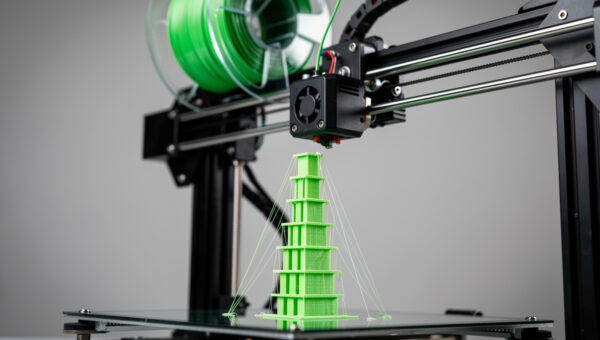
The fan-speed difference is the most consequential. PLA+ formulations tend to bond better between layers at lower fan speeds — the additives slow the cooling rate that affects layer adhesion. Standard PLA wants more cooling to maintain detail and prevent overhang sag. If you switch a PLA profile to a PLA+ spool without adjusting fan speed, expect either weak interlayer adhesion (fan too high) or droopy overhangs (fan too low). The fix is profile-specific tuning per brand. Our OrcaSlicer setup tutorial covers profile management.
Brittleness, Storage, and Aging
Both PLA and PLA+ become more brittle over time, but PLA+ ages more gracefully. After 12 months of partial humidity exposure, standard PLA loses 20–40% of its impact strength — the additives that toughen PLA+ resist this aging by 50–70%. The practical effect is that a PLA+ part printed in 2024 still has working impact strength in 2026, while a standard PLA part of the same age may shatter under the same load it survived when fresh.
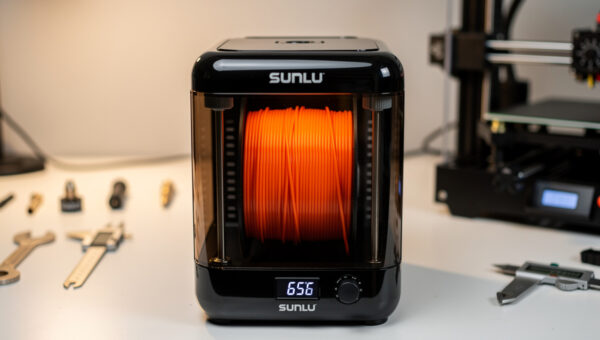
Storage matters more than people realize. PLA absorbs moisture slowly but consistently — the strength loss correlates with humidity exposure even when the print itself looks fine. Print parts that need to last more than a year in PLA+ from a tier-1 brand and store the spools in a dry box with desiccant. Our filament storage guide covers the long-term storage protocols, and our drying guide walks through how to recover degraded spools.
PLA+ Alternatives: Tough PLA, Pro PLA, and HT-PLA
Beyond PLA+, several brands sell PLA derivatives with different positioning. Tough PLA (Ultimaker, Polymaker) targets even higher impact resistance with measurable success — Ultimaker Tough PLA hits 9.7 kJ/m² Izod, beating most PLA+ formulations. Pro PLA (Prusa) is a higher-end PLA with slightly better print quality but similar mechanical specs to standard PLA. HT-PLA (Polymaker, ColorFabb) is annealed PLA — the part is heat-treated after printing to crystallize the polymer chains, raising heat deflection from 60 °C to 110 °C while retaining most of the strength.
For jigs and engineering prototypes that need real heat resistance from PLA, HT-PLA is the right choice — anneal the part in an oven at 110 °C for 30 minutes and the HDT climbs to where you need it. For everything else, the choice is between standard PLA and PLA+ from the same tier-1 brand. The deeper material options for engineering work are covered in our filament hub guide; PA-CF and PC are usually better choices than annealed HT-PLA for parts that need real strength under heat.
Cost Per Part Comparison
The price gap between PLA and PLA+ averages $4 per kilogram across major brands. For a typical 100 g functional bracket, that translates to $0.40 extra per part. The mechanical strength jump (30–60% impact) is worth $0.40 if the part fails under load — replacement, downtime, and frustration cost more than the filament. For a 20 g figurine, the $0.08 difference is invisible.
Where PLA+ does NOT pay off: large-volume decorative prints. A 500 g cosplay helmet in PLA+ costs $13 in filament; the same part in standard PLA costs $11. The decorative use case does not need impact strength, and the $2 saving across 50 prints adds up. Reserve PLA+ for the parts where toughness matters; print decorative work in standard PLA from the same brand for color consistency. The brand review shows which manufacturers maintain consistent pigments between standard and plus formulations.
Frequently Asked Questions
Is PLA+ stronger than regular PLA?
In impact strength, yes — typically 30–60% stronger depending on brand. In tensile strength, the difference is small (5–15% improvement). The main practical benefit is parts that survive drops and impacts that would shatter standard PLA.
Should I use PLA+ for everything?
No. Use PLA+ for functional parts under mechanical load. Use standard PLA for figurines, cosplay, prototypes, and decorative pieces — the lower temperature gives sharper detail and the price is lower with no meaningful downside for non-load-bearing parts.
Is PLA+ harder to print than regular PLA?
No, the print profiles are nearly identical. PLA+ runs 5–10 °C hotter and benefits from slightly lower fan speed. Once your slicer has a saved PLA+ profile, the printing experience is the same as standard PLA.
Which brand of PLA+ is strongest?
Polymaker PolyLite PLA+ shows the highest impact strength gain in side-by-side testing — 65% over standard PolyLite PLA. eSun PLA+ ranks second at 50%. Sunlu PLA+ shows the smallest gain at 30%, though still real.
Can I mix PLA and PLA+ in the same print?
Yes, with multi-material printers like the Bambu AMS or Prusa MMU3. Run both at PLA+ temperature (215 °C) for compatibility. The layer adhesion between PLA and PLA+ is excellent because both are PLA-based.
Does PLA+ need a heated bed?
Yes, 60 °C is the typical setting. Standard PLA prints fine at 50 °C. PLA+ benefits from the extra 10 °C because it shrinks slightly more on cooling and the warmer bed compensates for first-layer warping risk.
Is PLA+ food safe?
Standard PLA is technically food-contact rated for short-term use, but PLA+ adds proprietary additives that are not always disclosed. Treat PLA+ as not food-safe unless the manufacturer specifically certifies food contact use.