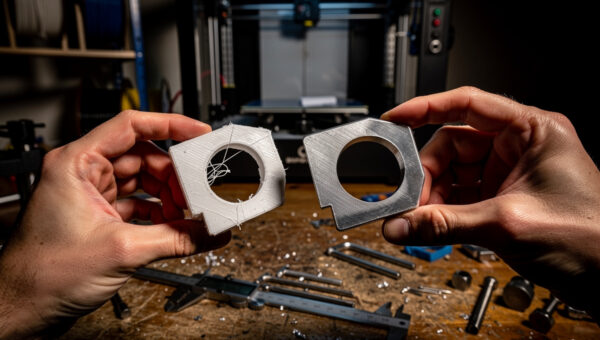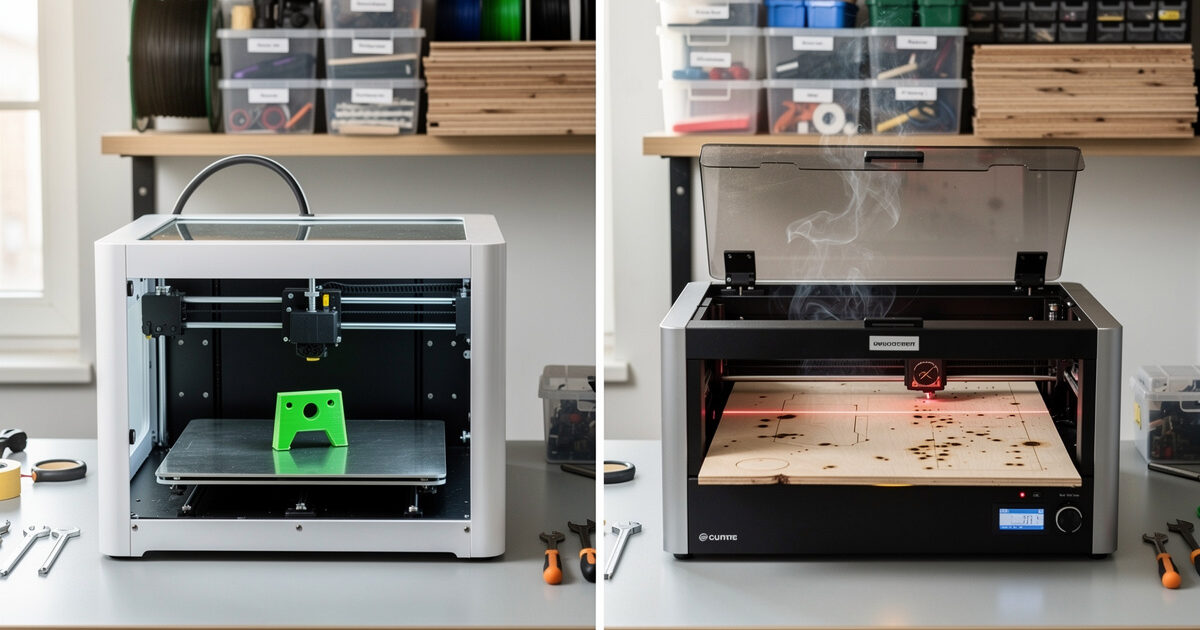
Most “should I buy a 3D printer or a laser cutter” articles answer with personal preference. The honest answer is that the two tools solve different fabrication problems, and the right machine depends on what you actually want to make. After running both side-by-side for two years on identical project briefs, the decision pattern is consistent: 3D printing wins for hollow, complex, dimensional parts; laser cutting wins for flat, fast, and repeatable.
This guide walks the decision framework — material capability, project geometry, time-per-piece, batch repeatability, and cost-per-finished-part — with worked examples on the projects most makers actually build. The materials side specifically (what each tool can cut/print and what it cannot) is covered in depth in the laser cutting materials guide; this article focuses on the choose-your-tool decision.
The Geometry Test: Is Your Project Flat or Dimensional?
Flat parts under 0.5 inches thick almost always belong on a laser cutter. Dimensional parts with overhangs, internal features, or organic curves almost always belong on a 3D printer. This single distinction resolves 80% of the decision.
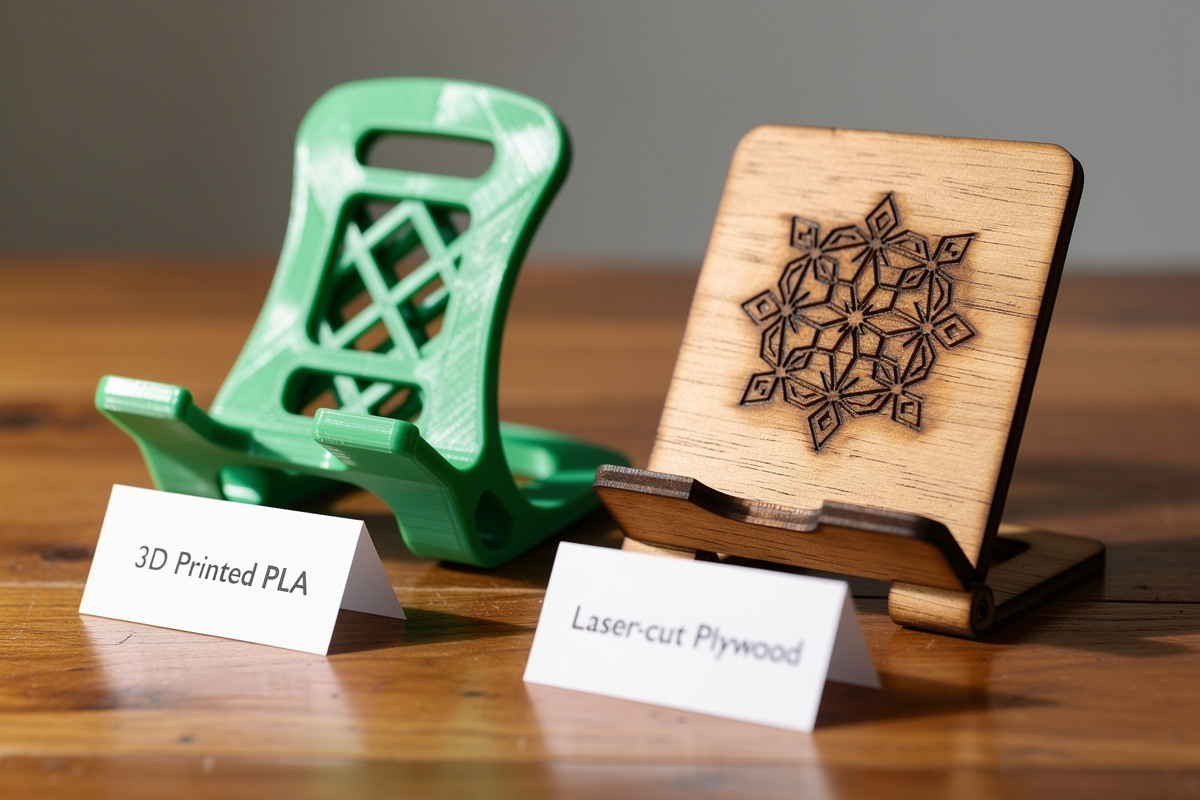
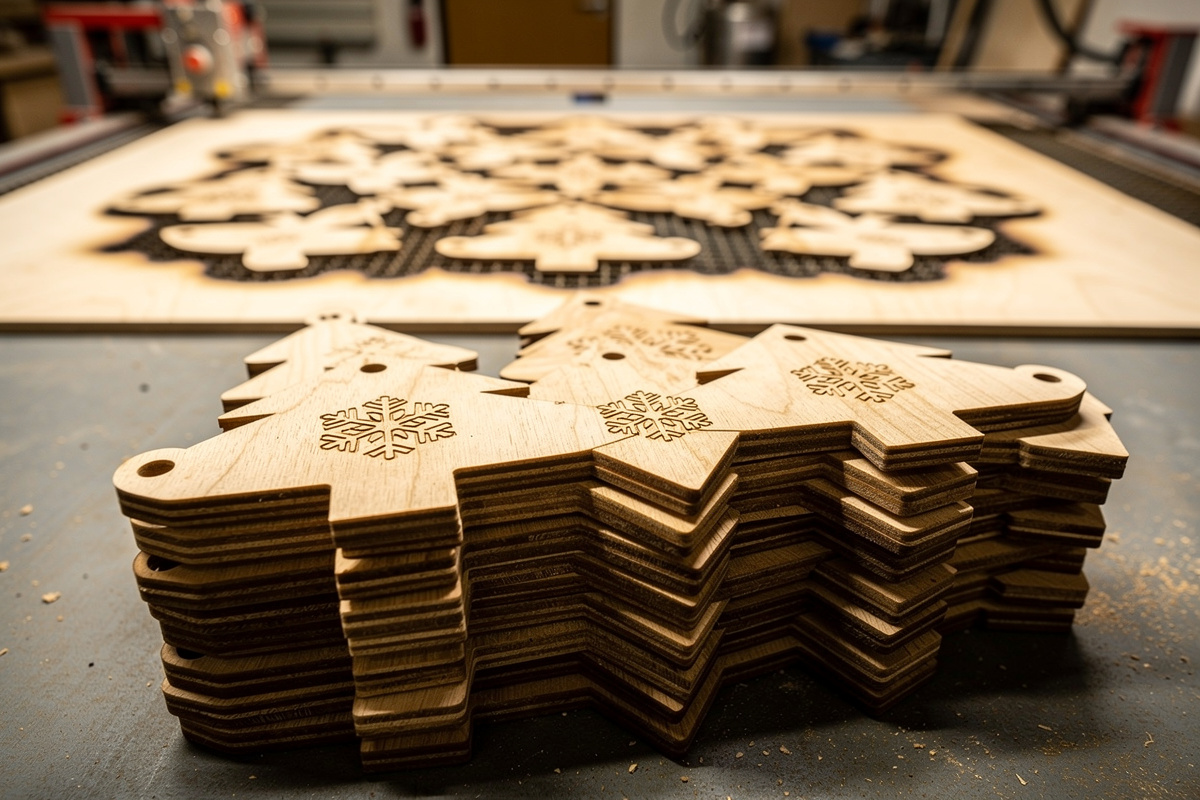
Flat-and-thin examples where laser wins decisively: phone stands, custom signs, drawer organizers, jigs and templates, gift tags, jewelry, leather goods, model architecture (with multi-layer assembly), inlays. Anything that could be cut from a sheet of plywood, acrylic, or cardboard.
Dimensional examples where 3D printing wins decisively: enclosures with internal mounting bosses, replacement gears, brackets with complex geometry, miniatures and figurines, hollow vessels, parts with overhangs or undercuts, mechanical assemblies with snap-fits, ergonomic grips. Anything where wall thickness varies or internal structure matters.
The grey area where both work: small flat items (under 4 inches × 4 inches) that you only need one of. A laser cuts these in seconds; a 3D printer takes 20–60 minutes. A laser is faster per part — a 3D printer wastes less material if you only need one. For batch production, laser wins on throughput. For one-offs, the choice depends on which machine is already running.
The Material Capability Matrix
Material compatibility is non-overlapping in most categories. The honest comparison:
| Material | 3D Printer (FDM) | 3D Printer (Resin) | Diode Laser | CO2 Laser | Fiber Laser |
|---|---|---|---|---|---|
| PLA / PETG / ABS | ✓ Native | — | — | — | — |
| Resin (UV cure) | — | ✓ Native | — | — | — |
| Plywood (1/8″ – 1/4″) | — | — | Cut + engrave | Cut + engrave | Engrave only |
| Hardwood | — | — | Engrave only | Cut + engrave | Engrave only |
| Acrylic (1/8″ – 1/2″) | — | — | Limited | Cut + engrave | — |
| Leather | — | — | Cut + engrave | Cut + engrave | — |
| Cardboard / paper | — | — | Cut + engrave | Cut + engrave | — |
| Stainless steel | — | — | Anodize only | — | Engrave + mark |
| Brass / aluminum (anodized) | — | — | Mark only | — | Cut + engrave |
| Glass | — | — | Frost only | Frost + engrave | Frost only |
| Slate / stone | — | — | Engrave | Engrave | Engrave |
Two patterns matter. First, 3D printing and laser cutting are nearly disjoint in what materials they handle — there is essentially no overlap, so material choice often dictates tool choice before any other factor. Second, “laser cutter” is not one machine — diode, CO2, and fiber lasers each handle different materials, and picking the wrong type kills the project. The diode vs CO2 vs fiber comparison covers the laser-type decision in detail.
For 3D printing, FDM (filament) covers structural and functional parts; resin covers detail and small parts. The filament guide covers the material strength side; the resin printer guide covers the detail side.
Time-Per-Part: The Hidden Decision Driver
Most maker decisions assume you will “make one of these eventually.” But time-per-part separates the tools dramatically once you start making more than one.
Realistic per-part time on a typical project (a 4×4 inch flat phone stand):
- Laser cutter (40W diode): Design 5 min, cut 90 seconds, total ~7 minutes per part. Batch of 10: ~25 minutes.
- 3D printer (FDM 0.2mm): Design 5 min, slice 2 min, print 35 minutes per part, total ~42 minutes per part. Batch of 10: 6 hours sequential, or 3 hours if your build plate fits 10 parts.
For one-off projects, the time difference is small (35 vs 7 minutes — both fast). For batches, laser is 8–12× faster. For commercial maker-store products (Etsy, craft fairs), laser cutting is the only viable choice for flat goods because 3D printing simply cannot produce parts at retail volume.
The opposite is true for dimensional parts: a laser cutter cannot make them at all, so the comparison is trivially in 3D printing’s favor regardless of time.
Cost Per Finished Part
The hardware is similar in cost ($300–800 for entry-level versions of either tool), so per-part cost matters more than upfront cost.
Material cost per square foot of useful output:
| Material | Tool | Cost per sq ft of cut/print | Notes |
|---|---|---|---|
| PLA filament | 3D printer FDM | $0.40–0.70 | 0.2mm layer, 20% infill |
| PETG filament | 3D printer FDM | $0.50–0.90 | 0.2mm layer, 20% infill |
| Standard resin | 3D printer resin | $1.50–3.00 | 0.05mm layer, fully solid |
| 3mm plywood | Laser cutter | $0.30–0.80 | From a 4×8 sheet at $35 |
| 3mm acrylic | Laser cutter | $1.20–2.50 | From a 24×36 sheet at $40 |
| Vegetable-tan leather | Laser cutter | $3.00–6.00 | From a side at $60 |
| Cardboard | Laser cutter | $0.05–0.20 | From a sheet at $0.50 |
Per usable square foot, plywood on a laser is 2–3× cheaper than PLA on a 3D printer. Acrylic on a laser is comparable to PLA. Resin is the most expensive of any material choice — its detail advantages need to justify the cost. The filament brand comparison covers the price-per-spool variation that affects this math.
Skill Curve: Which Is Easier to Get Right?
Laser cutting reaches usable results faster than 3D printing — but 3D printing has less downside risk when things go wrong.
Laser cutting’s first-cut success rate is typically 70–80% on appropriate materials with stock settings. The failure modes are forgiving — a too-fast cut leaves a partial cut you can run again, or a charred edge you can sand. The skill ceiling is high (photo engraving, fiber-laser metal marking) but the floor is approachable.
3D printing’s first-print success rate on a stock machine is more like 50–60%. The failure modes are less forgiving — a failed print wastes filament, time, and bed adhesion materials. The recovery loop is slower (15–60 minutes per attempt versus 1–5 minutes for laser). However, once you reach competent operation (typically 20–30 hours of print time), 3D printing’s project ceiling is higher because the geometry options are richer.
For first-time makers, laser cutting reaches “I made the thing” faster. For first-time makers willing to invest a weekend in calibration, 3D printing opens more project categories.
Combining Both Tools: The Maker Workshop That Works
The most productive maker workshops run both tools because they complement rather than compete. The decision pattern in a dual-tool workshop:
- 3D printer for: custom enclosures, replacement parts, miniatures, prototypes that need internal geometry, ergonomic grips, hooks and mounts.
- Laser cutter for: signs, gift goods, jigs and templates, drawer dividers, leather goods, flat-pack furniture parts, batch production for craft sales.
- Both used together for: projects that need a 3D-printed mounting boss embedded in a laser-cut acrylic faceplate; jigs that hold 3D-printed parts during assembly; clock faces (laser-cut numerals on 3D-printed bodies).
A common recommendation for budget-constrained makers: start with a laser cutter for $400–700 (cheaper to operate, faster gratification, better for craft-sale economics). Add a 3D printer 6–12 months later when you encounter project ideas the laser cannot handle. The reverse order also works — start with a 3D printer, add a laser when you find yourself wanting to make many of one flat thing.
For the workshop layout that supports both tools (ventilation, electrical, dust management), the 3D printing workspace setup guide covers the shared infrastructure decisions.
Decision Trees by Project Type
Five common project categories with the decisive choice:
Custom signage: Laser cutter, every time. Wood or acrylic, fast turnaround, batch-friendly, retail-quality finish.
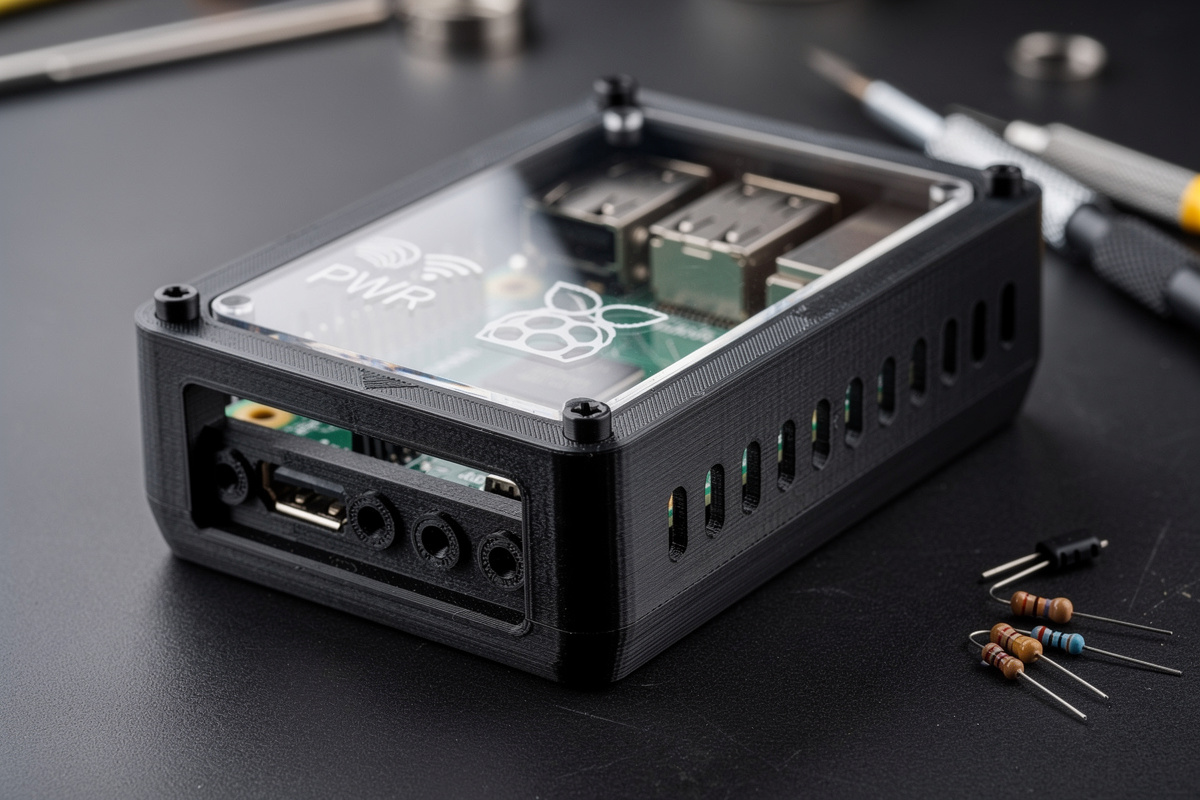
Enclosure for a Raspberry Pi or Arduino project: 3D printer for the case body. Internal mounting bosses, screw holes, ventilation patterns. Optional: laser cut a transparent acrylic top to show internal status LEDs.
Personalized gifts (initials, dates, names): Laser cutter on wood, leather, or slate. Engrave-only is the highest perceived-value-per-minute project category.
Replacement household parts (broken washer cap, missing knob, custom drawer handle): 3D printer. The geometry is dimensional; the part count is 1–2. Print time of 30–90 minutes is acceptable for a one-off.
Jewelry: Both, depending on style. Laser-cut acrylic earrings — laser. Custom rings or pendants with dimensional geometry — 3D printed in resin. Mass-produced flat designs — laser. The resin printer guide covers the high-detail side that matters here.
Commercial Maker Economics: When Each Tool Pays Back
For makers selling on Etsy, at craft fairs, or running a small product line, the per-part economics drive tool choice harder than personal preference.
Laser cutter, $500 entry-level (Atomstack X20 or similar), payback math: at $0.80 material + $0.50 labor per finished sign at $15 retail, gross margin is $13.70. Payback in 37 sales — typically 2–3 craft fairs.
3D printer, $400 entry-level (Bambu A1 or Creality K1), payback math: at $1.50 filament + $1.00 labor (longer per part) per figurine at $25 retail, gross margin is $22.50. Payback in 18 sales — but each sale takes 45–90 minutes of print time, capping daily output at 8–15 units. Compare to laser cutting which can produce 30–50 units per craft-fair-day session.
For volume craft-fair sales, laser cutting is the more economically sound first investment. For premium-priced custom one-offs (architectural models, prototype services), 3D printing’s higher value-per-unit wins.
Should I buy a 3D printer or a laser cutter first?
Buy a laser cutter first if your projects are flat (signs, jigs, leather goods, gift items) or if you want to sell at craft fairs. Buy a 3D printer first if you make functional dimensional parts (enclosures, replacement parts, miniatures). Most experienced makers eventually own both because they solve different problems.
Can a laser cutter replace a 3D printer?
No. Laser cutters work on flat sheet material; they cannot produce dimensional parts with internal geometry, overhangs, or organic curves. The two tools are complementary, not substitutes. Decision flows from project shape: flat = laser, dimensional = 3D print.
Which is more profitable for selling on Etsy?
Laser cutting wins for high-volume flat goods (signs, ornaments, jewelry, leather goods, gift tags) because you can produce 30-50 finished items per session. 3D printing wins for high-margin specialized items (custom miniatures, articulated figures, technical parts) where each $25-50 sale only needs 30-90 minutes of unattended print time.
What is cheaper to operate per finished part?
Laser cutting on plywood costs $0.30-0.80 per square foot of finished material. 3D printing in PLA costs $0.40-0.70 per square foot of finished surface. Roughly equivalent for material, but laser is 8-12x faster per part on flat geometry — so labor cost favors laser when you account for time.
Can you 3D print and laser cut the same materials?
Almost no overlap. 3D printers handle thermoplastics (PLA, PETG, ABS) and resin. Laser cutters handle wood, acrylic, leather, paper, and (with fiber lasers) some metals. The exception is acrylic, which 3D printing technically can extrude but at much lower quality than laser-cut.
Do I need both tools for a complete maker workshop?
Eventually, yes for serious makers. The tools are complementary — flat geometry to laser, dimensional geometry to 3D printer, combined projects use both. A typical maker workshop adds the second tool 6-12 months after the first when project ideas exceed the first tool’s capability.
Related Articles
- Best 3D Printer 2026: Complete Buyers Guide — printer selection
- 3D Printer Filament Guide 2026 — material capability
- 15 Practical 3D Printing Projects — what dimensional fabrication enables
- 3D Printing Workspace Setup — shared workshop infrastructure
- Best 3D Printer for Miniatures — when resin printing wins